Generate a new background for any photo
Upload a product shot, a portrait or a pet photo, describe the scene you want behind the subject, and get the same subject back in a brand-new setting — edges, shadows and light blended to match.
Drop images here, or select files
JPG · PNG · WEBP · up to 15 MB each · up to 4 images
Studio, storefront, outdoors — same subject, new scene
Every result below came straight out of the tool, with no touch-ups. Drag the handle to check the blend up close, then drop your own photo at the top of the page.
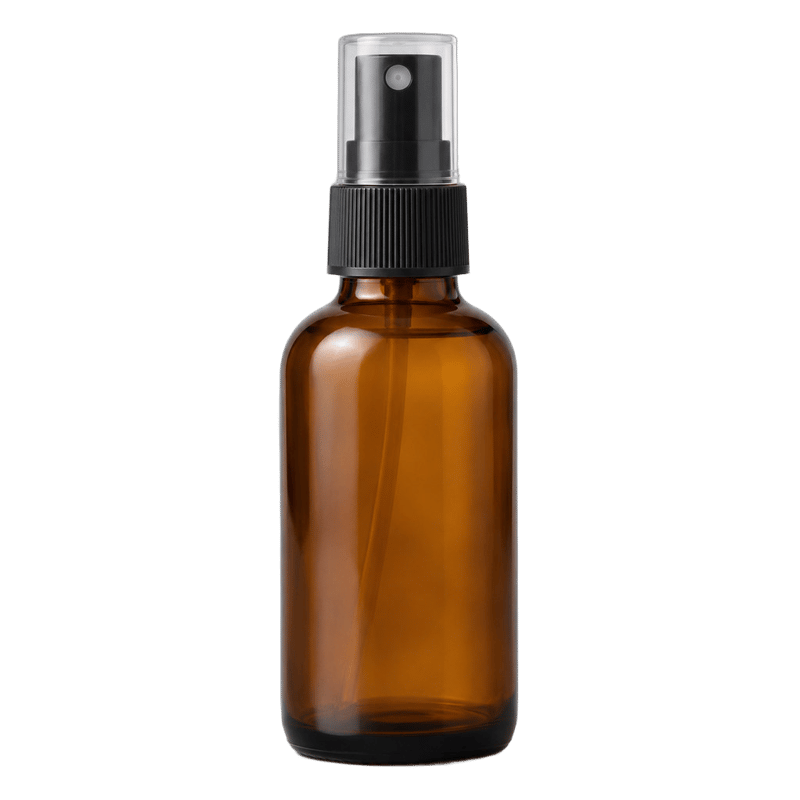
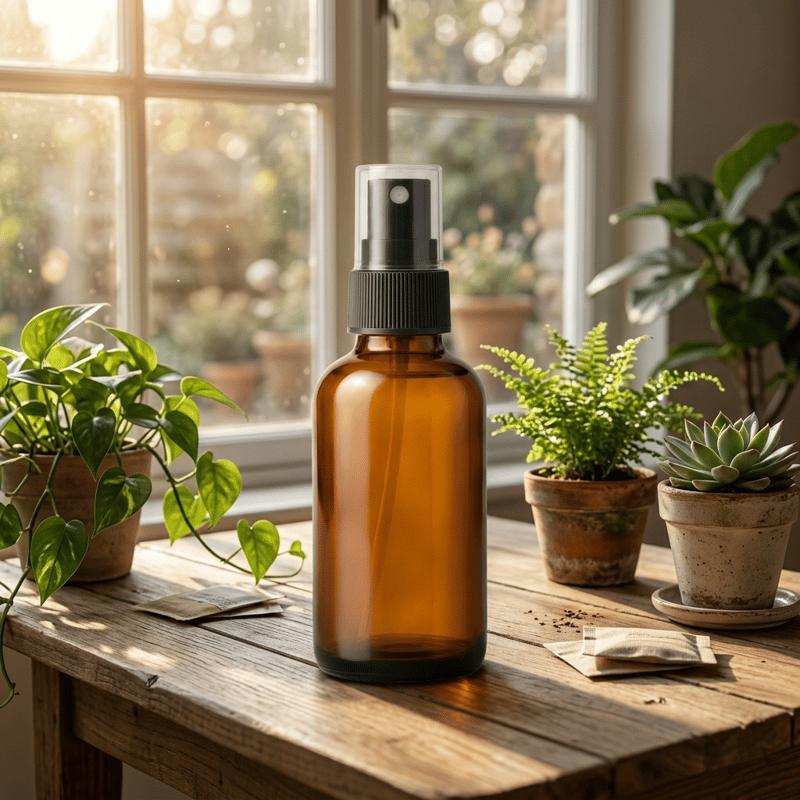
Transparent bottle cutout → sunlit wooden table
From alpha cutout to a full scene in one pass

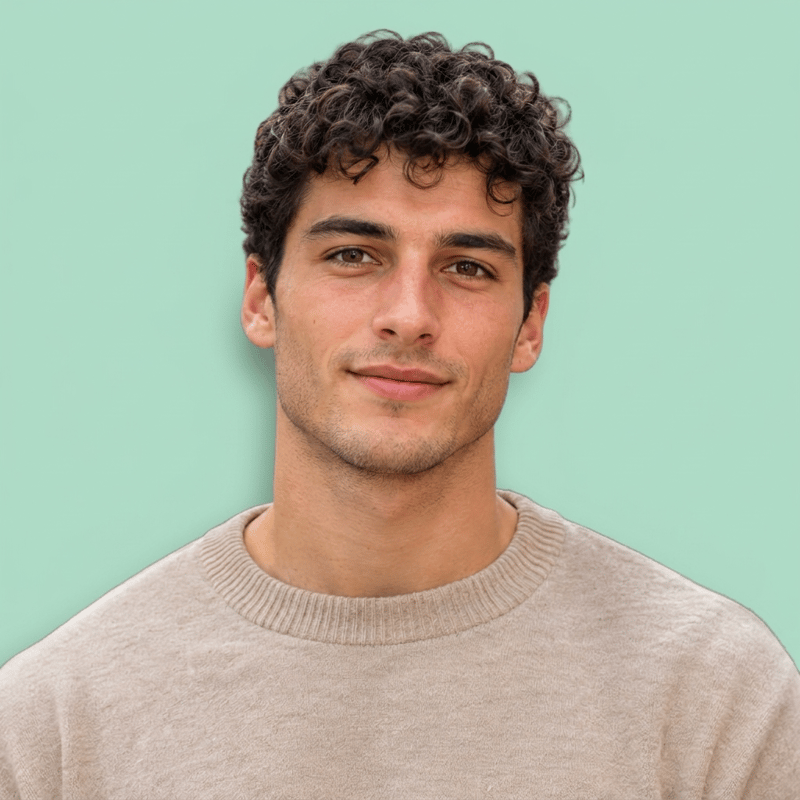
Transparent portrait cutout → pastel studio
Hairline and skin tone unchanged
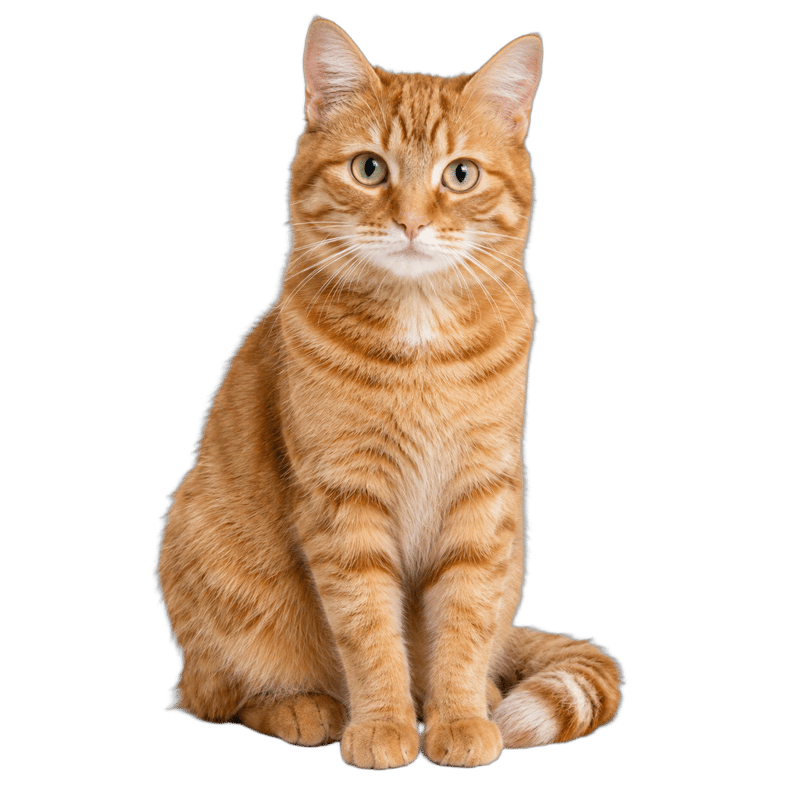
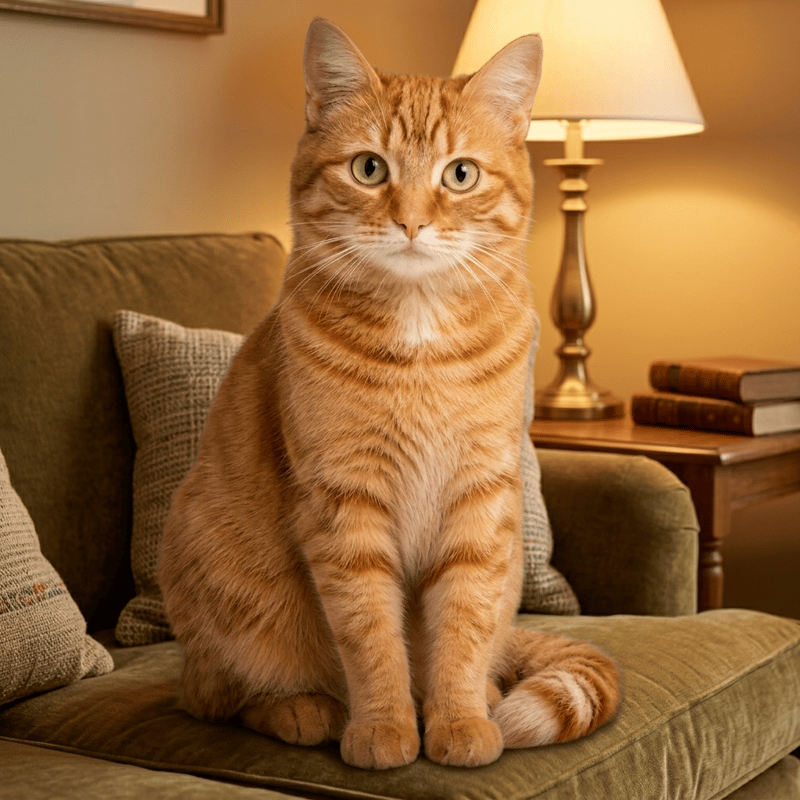
Transparent cat cutout → cozy sofa corner
Fur edges blend into the lamplight
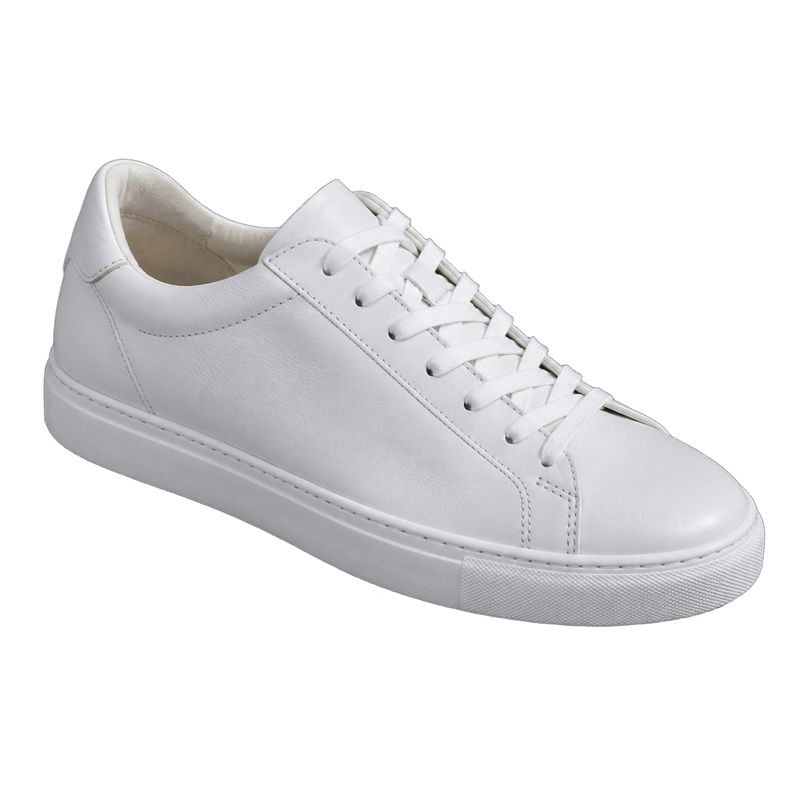
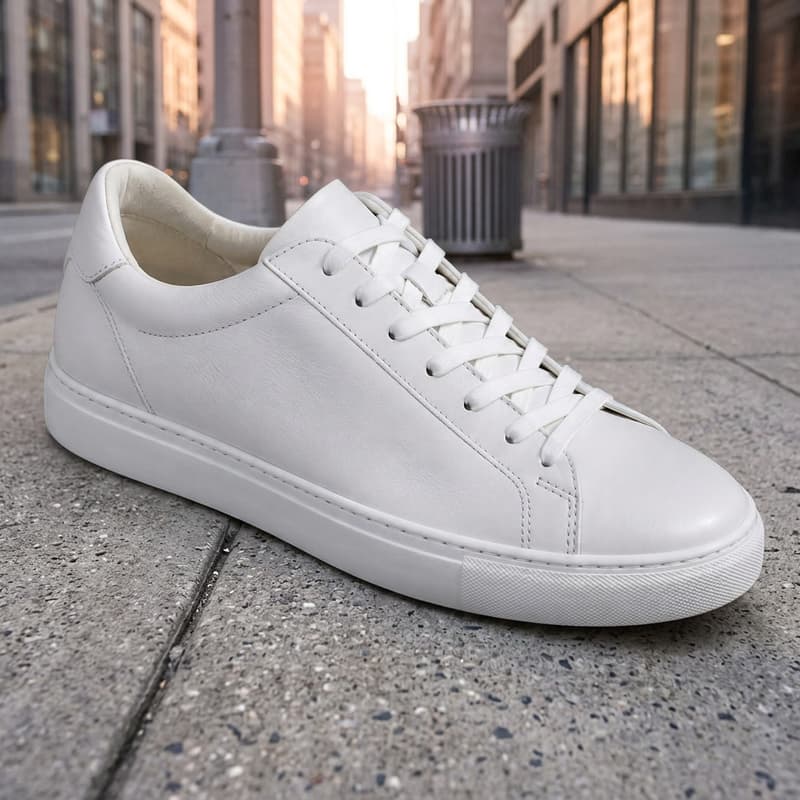
Transparent sneaker cutout → city sidewalk
The pale shoe keeps its shape against the street
What this background generator does
It takes a photo and a description of the scene you want, and returns the same subject in that scene. The subject is lifted out first and the new background is generated around it — so the product, person or pet you uploaded is the one you get back, blended into the new setting with matched edges, contact shadows and ambient light.
Reach for it to give a whole product line one consistent studio look, to move a portrait from the living room to somewhere that looks like a magazine, or to try a listing photo against ten different settings before committing to a shoot. Concrete descriptions work best: name the surface, the light and the mood rather than an adjective. If you are here to change a background rather than generate one, the Background Changer is the same tool under a name that is easier to find; if you want no background at all, the Background Remover returns a transparent PNG.
A re-backgrounded photo usually wants to go somewhere: open it in the AI Image Generator to keep art-directing the scene, or use it as the opening frame of a short product clip. If terms like compositing or resolution are unfamiliar, the glossary explains each one.
Background Generator specifications
| Parameter | Value | Notes |
|---|---|---|
| Input | JPEG, PNG, WEBP · up to 15 MB each | Any photo with a clear main subject — products, portraits, pets. .jpg and .jpeg are both fine. |
| Output | PNG · generated background, subject kept | PNG with the generated background blended behind your subject, proportions kept. |
| Batch size | Up to 4 images per run | Images are processed in parallel; each one is billed and refunded on its own. |
| Credits | 16 credits per image · no daily cap | Charged per image when you submit, with no daily cap. |
| Result retention | 7–365 days by plan | Results stay downloadable for the retention window of your plan, then are deleted from storage. |
| On failure | Credits refunded automatically | If an image cannot be processed, the credits for that image are returned to your balance automatically. |
How to generate a new background
Three steps from plain photo to new scene
Add your images
Drag photos in, paste from the clipboard or click anywhere on the drop area — a whole batch at once, all sharing one scene description.
Describe the scene
Name the surface, the light and the mood: "a marble countertop in morning light", "a busy night market, bokeh lights". The same description applies to every image in the batch.
Download the PNG
Every result comes as a before/after slider so you can check the blend up close. The photo can also go on to AI Image or AI Video without leaving the site.
Background Generator — FAQ
Credits, prompts, your subject