Translate the text in any image — layout and style kept
Drop in a poster, a menu, a screenshot or a product photo, pick from 40 languages, and get the same image back with every line of text re-rendered in your language. Position, colour and size follow the original; everything that is not text stays untouched.
Drop images here, or select files
JPG · PNG · WEBP · up to 15 MB each · up to 10 images
Translated images — before and after
Every result below came straight out of the tool, with no touch-ups. Drag the handle to read each line up close, then drop your own image at the top of the page.


Sale poster translated to English
Price tag, gradient and decorations untouched
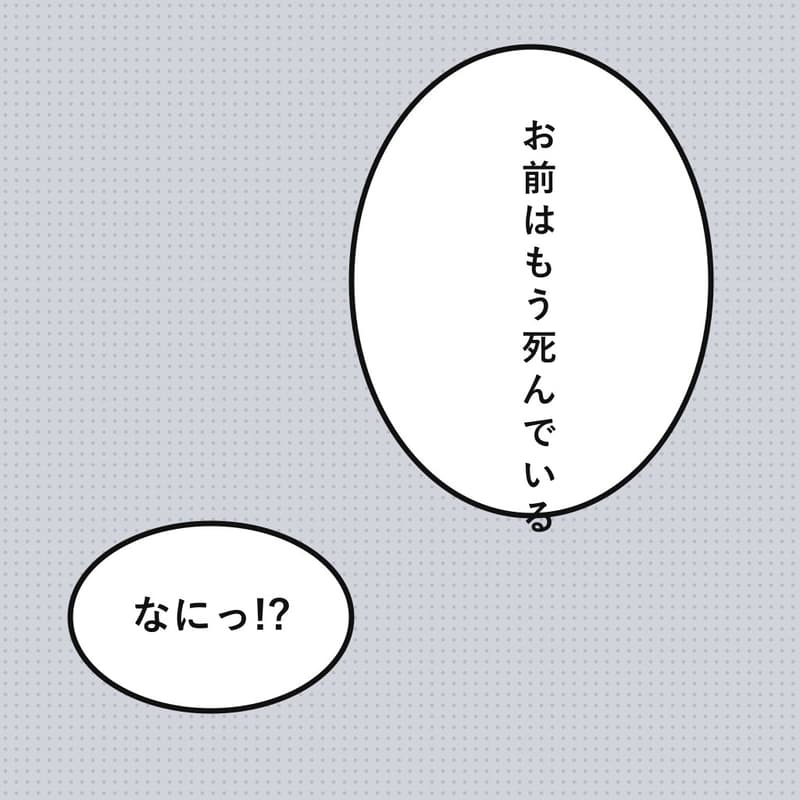
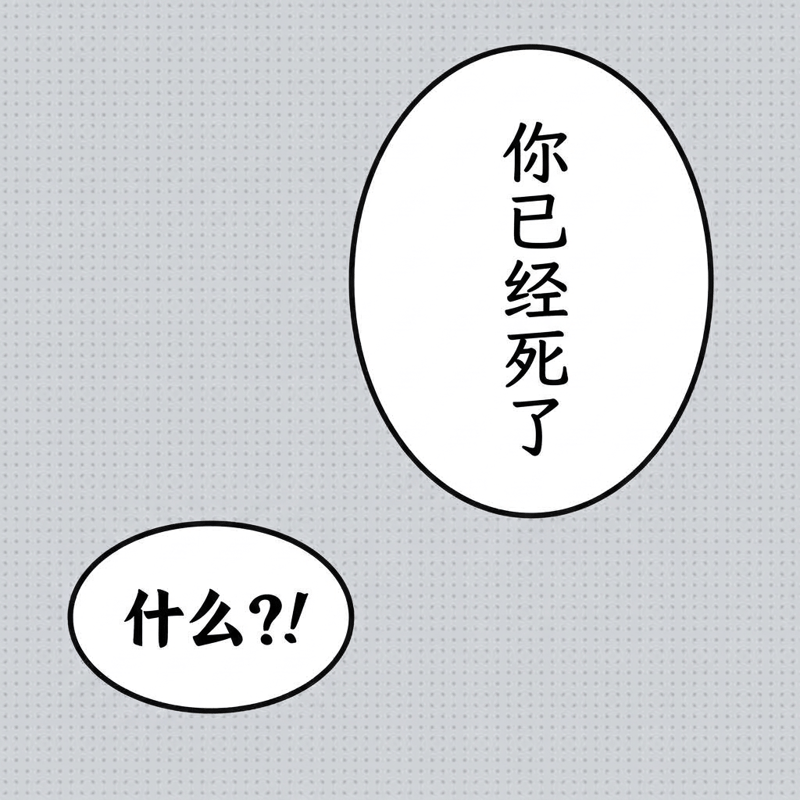
Manga bubbles translated to Chinese
Vertical text kept in the bubbles, screentone intact
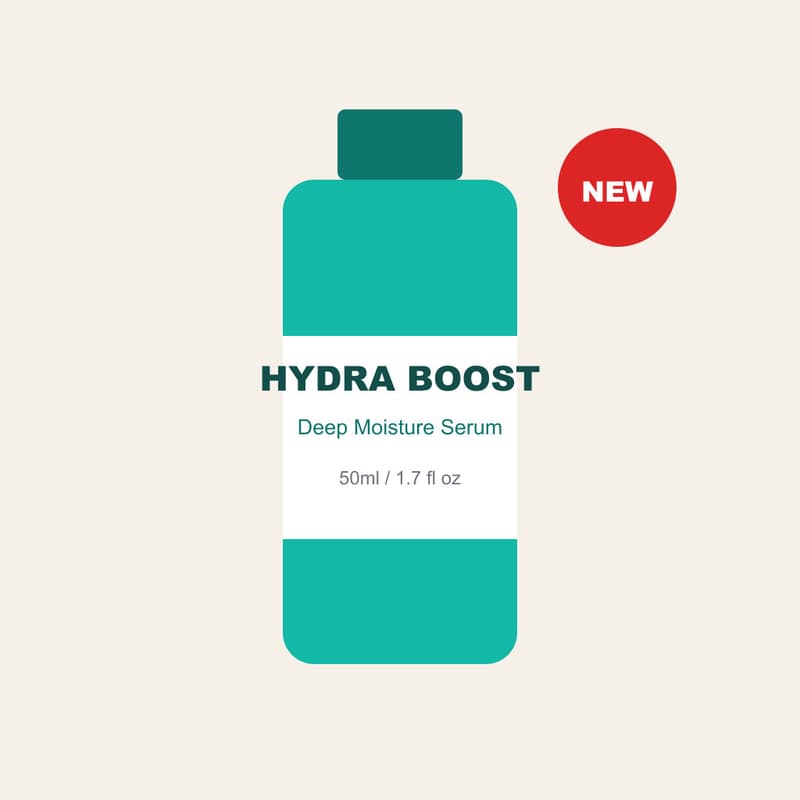
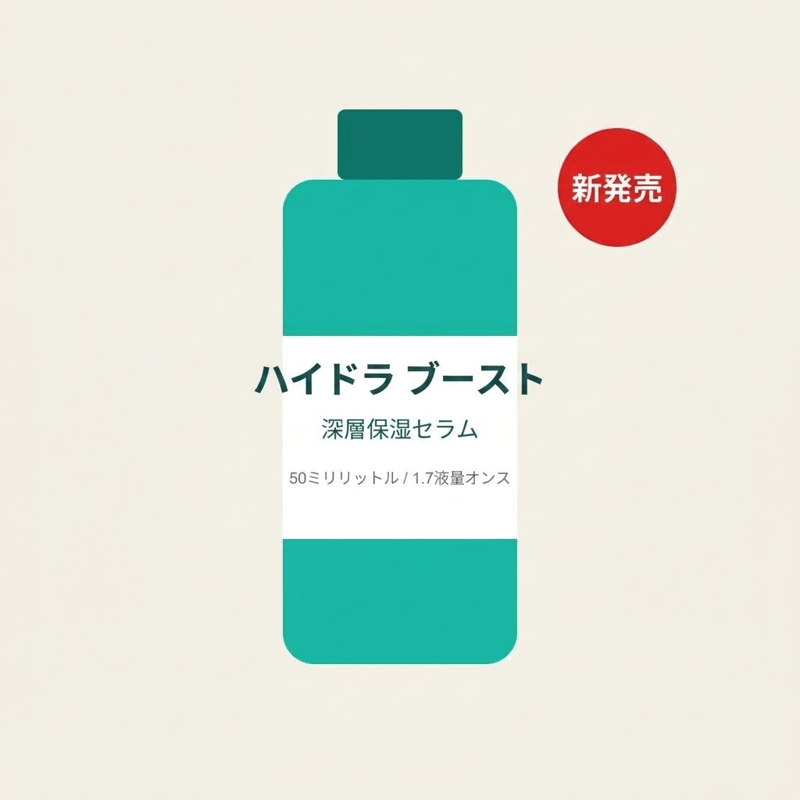
Product label translated to Japanese
Bottle and badge geometry unchanged
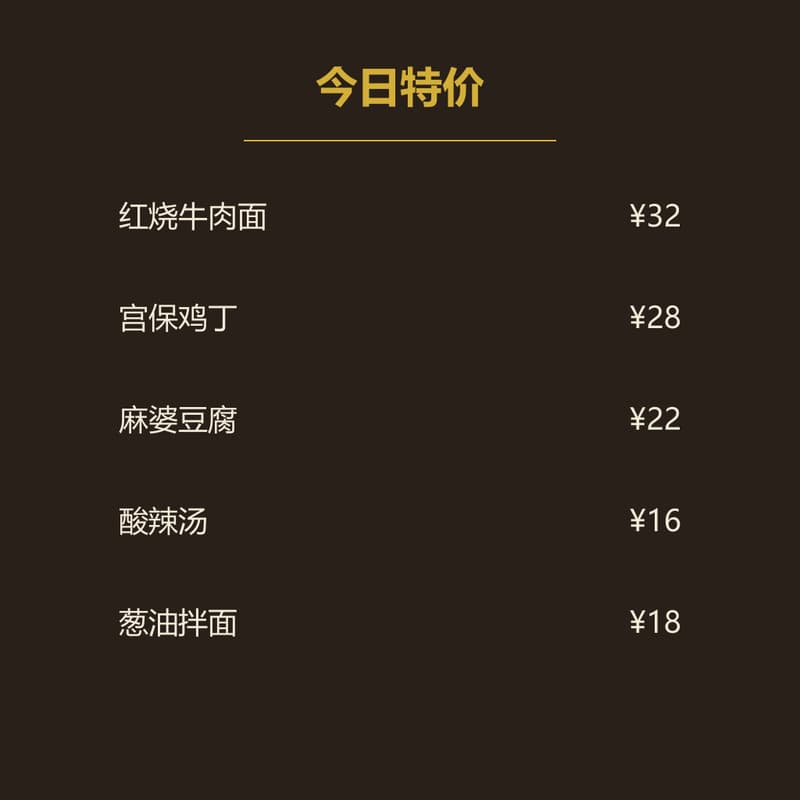
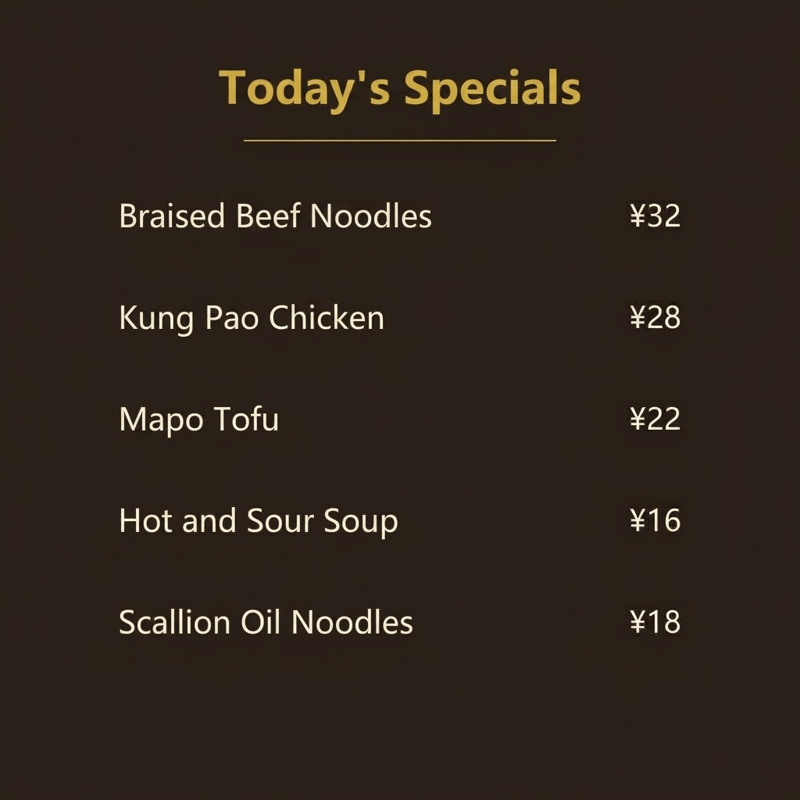
Menu translated to English
Every row aligned, the price column in place
What this image translator does
It takes an image with words on it — a poster, a restaurant menu, an app screenshot, a product listing photo, a comic page — and gives back the same image with every line of text in your language. The AI re-renders each text block where it found it: the position, the size, the colour and the alignment follow the original, and everything that is not text — the artwork, the photo, the background — is left exactly as it was. The source language is detected on its own, including vertical writing and mixed sizes, so there is nothing to set up.
Reach for it when the picture is the document: a seller turning one set of listing images into every market they ship to, a reader following a comic that was never translated, a traveller holding a menu or a sign, a team localising screenshots for a help centre. Forty target languages are one dropdown away, and running the same image again with a different choice costs one click. When the words are spoken rather than written, the Video Translator dubs the clip instead; when a translated image needs to be bigger, the Image Upscaler takes it to 4K.
A translated image usually wants to go somewhere: open it in the AI Image Generator to place it in a new scene or adapt it for another channel, or use it as the opening frame of a short localised clip. If terms like aspect ratio or resolution are unfamiliar, the glossary explains each one.
Image Translator specifications
| Parameter | Value | Notes |
|---|---|---|
| Input | JPEG, PNG, WEBP · up to 15 MB each | Any image with text — posters, menus, screenshots, product photos, scans. .jpg and .jpeg are both fine. |
| Output | PNG · about 1K (≈1,024 px long side) | PNG at about 1K — roughly 1,024 pixels on the long side, proportions kept. Sized for screens, listings and documents. |
| Batch size | Up to 10 images per run | Images are processed in parallel; each one is billed and refunded on its own. |
| Credits | 16 credits per image · no daily cap | Charged per image when you submit — the same price to any of the 40 languages, with no daily cap. |
| Result retention | 7–365 days by plan | Results stay downloadable for the retention window of your plan, then are deleted from storage. |
| On failure | Credits refunded automatically | If an image cannot be processed, the credits for that image are returned to your balance automatically. |
How to translate an image
Three steps from a foreign-language image to your language
Add your images
Drag the files in, paste from the clipboard or click anywhere on the drop area — a whole batch at once. Posters, menus, screenshots, product photos and scans all work; the sharper the source text, the cleaner the result.
Pick the target language
Forty languages in one dropdown — the default follows the language of this page. The source language is detected automatically, so there is nothing else to set.
Download the PNG
Every result comes as a before/after slider so you can check each line up close. The result can also go on to AI Image or AI Video without leaving the site.
Image Translator — FAQ
Credits, languages, layout