Fix a blurry photo — sharp again, up to 4K
Upload a shot that came out soft — a shaky hand, a missed focus, a thumbnail enlarged one time too many — and get back a sharp PNG at up to 4K.
Drop images here, or select files
JPG · PNG · WEBP · up to 15 MB each · up to 10 images
Blurry photos made sharp — before and after
Every result below came straight out of the tool, with no touch-ups. Drag the handle to compare the edges up close, then drop your own photo at the top of the page.
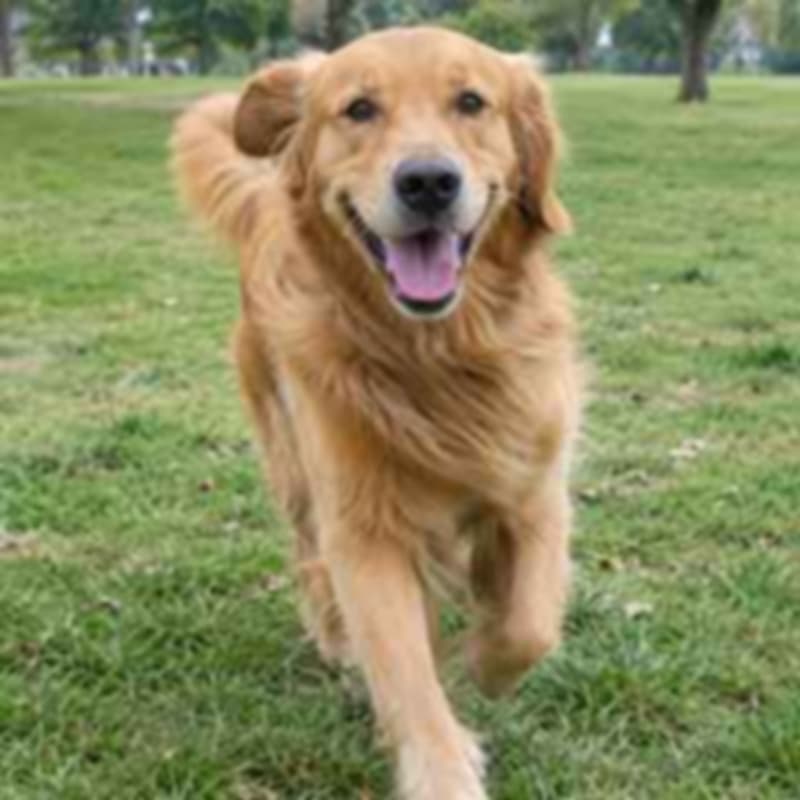
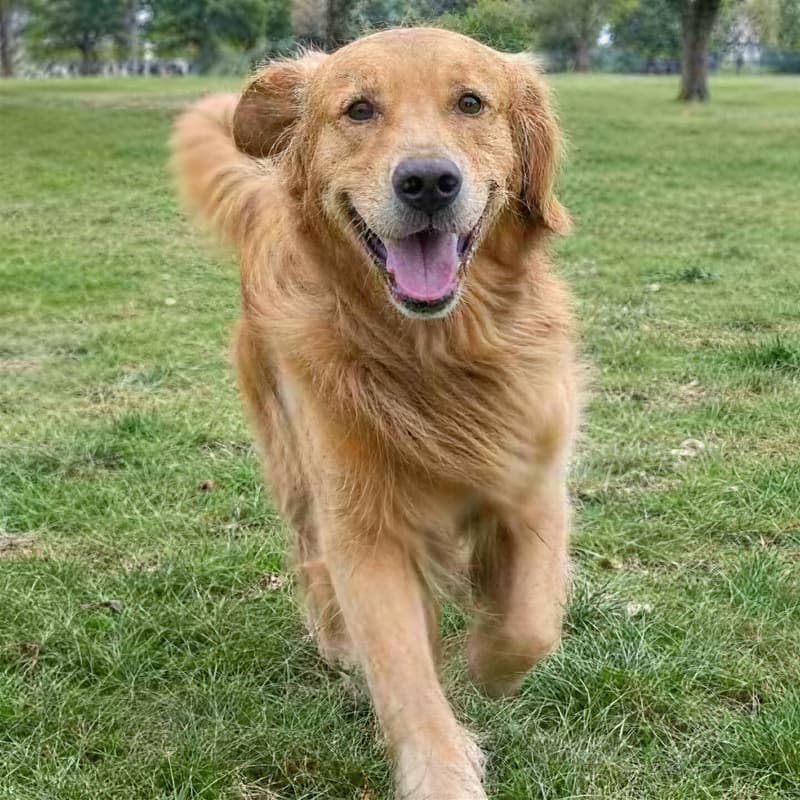
Handheld shot with camera shake
Edges frozen, lettering readable again
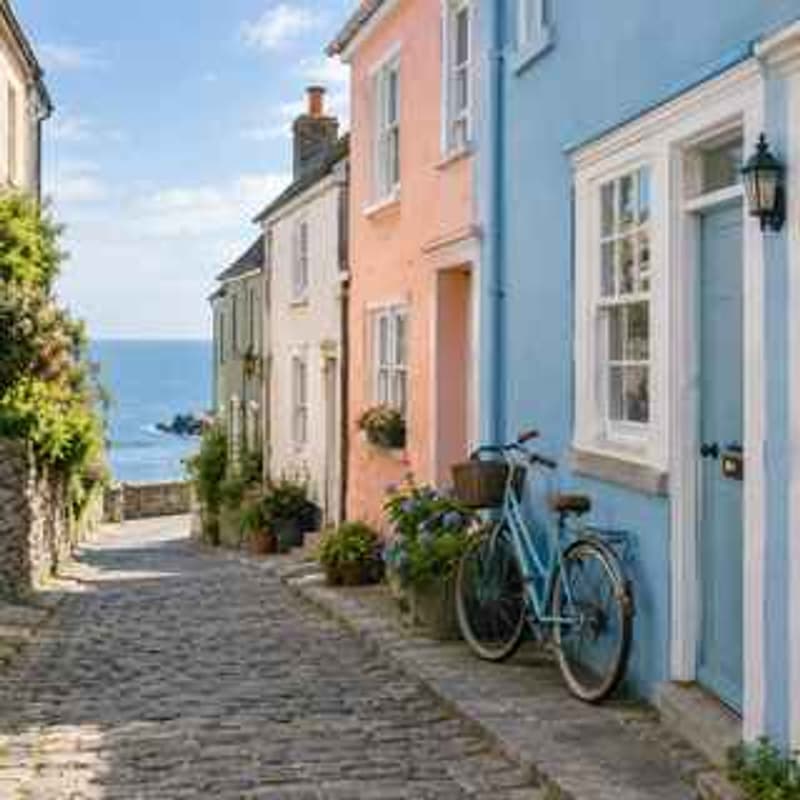
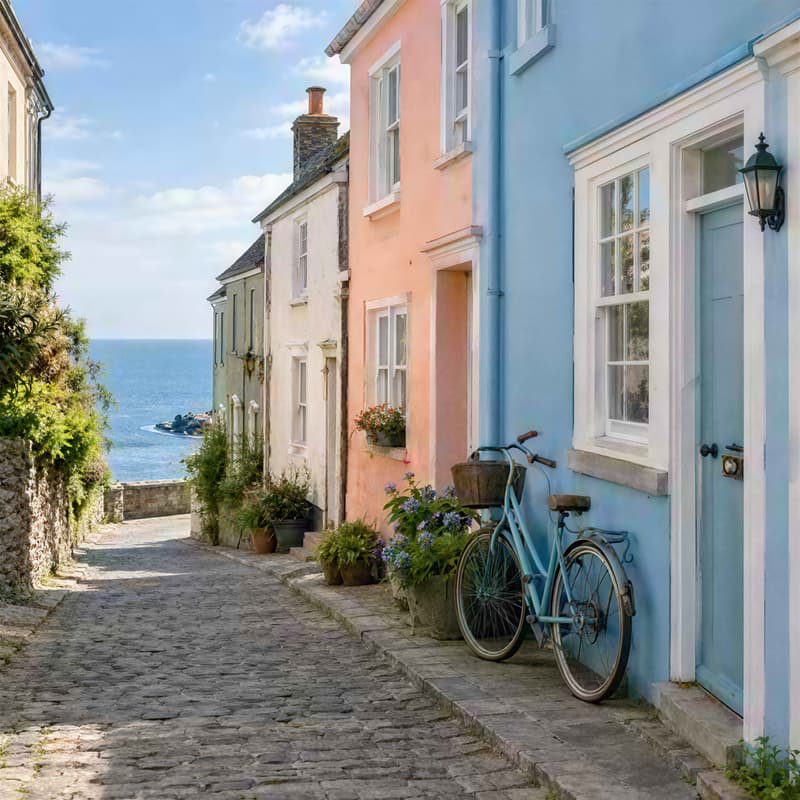
Thumbnail enlarged to 4K
A small preview back to a picture you can print
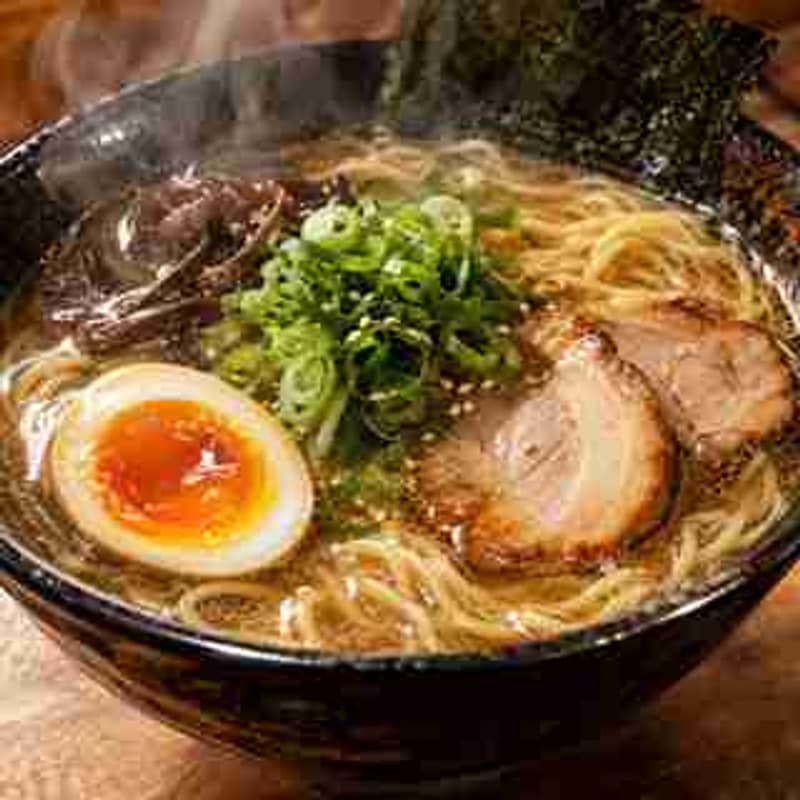
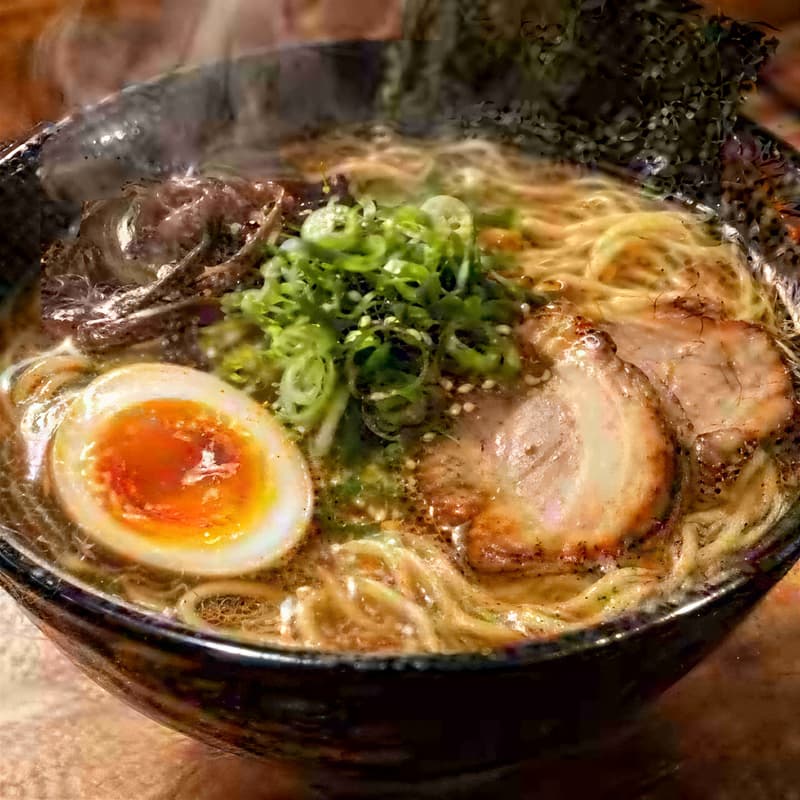
Photo compressed by chat apps
Blocky artefacts smoothed, skin and fabric texture back
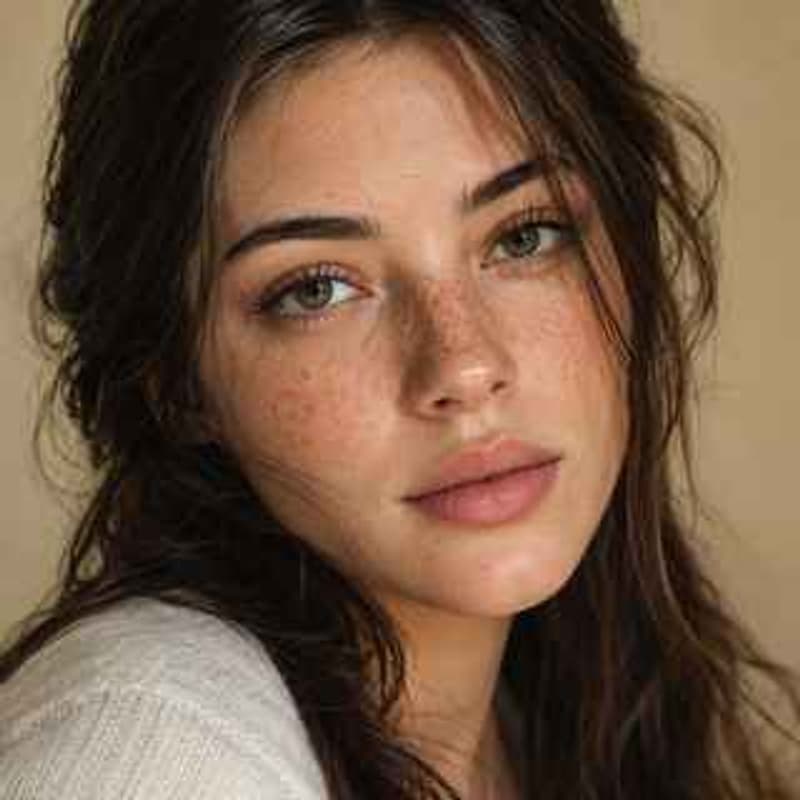
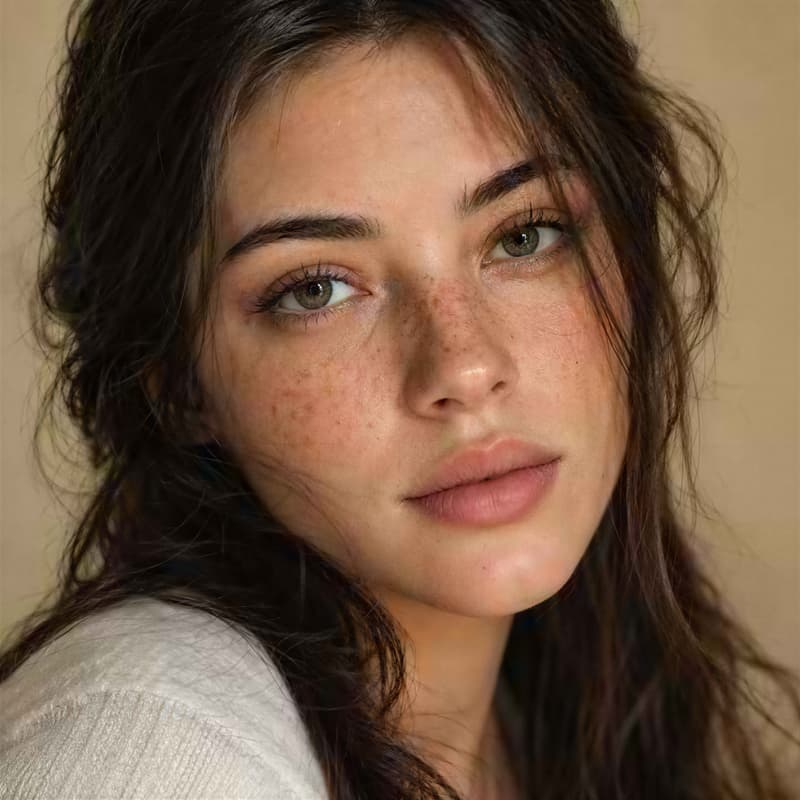
Out-of-focus portrait
Eyes and hair sharp, the person still themselves
What this photo unblur tool does
Blur has more than one cause, and this tool handles the everyday ones: the camera moved during a slow exposure, the focus landed on the wall behind someone, the only copy left is a thumbnail, or the photo was compressed on every hop between phones. It rebuilds the edges and texture that blur smeared away and returns a PNG at up to 4K (2160p) — smaller images are enlarged on the way, images already at 4K keep their size.
Reach for it when the picture itself is right and only the sharpness is wrong: the one group photo where everyone was smiling, a screenshot of a receipt you need to read, a product photo the supplier sent at thumbnail size, a frame pulled out of a video. If the photo is sharp and simply too small for where it is going, the Image Upscaler is the same tool, with sample results for that case. For scanned prints with scratches, creases and faded colour, Photo Restorer is built for that job.
A sharp photo is usually the first step, not the last. Open the result in the AI Image Generator as a reference and change the scene around it, or use it as the opening frame of a clip in AI Video — a sharp source makes everything downstream look better. If motion blur, resolution or upscaling are unfamiliar words, the glossary explains each one.
Photo Unblur specifications
| Parameter | Value | Notes |
|---|---|---|
| Input | JPEG, PNG, WEBP · up to 15 MB each | Standard photo formats — .jpg and .jpeg are both fine. |
| Output | PNG · up to 4K (2160p) | PNG at up to 4K (2160p). Smaller photos are enlarged to 4K with their proportions kept; photos already at 4K keep their size and get the sharpening pass only. |
| Batch size | Up to 10 photos per run | Photos are processed in parallel; each one is billed and refunded on its own. |
| Credits | 4 credits per photo · no daily cap | Charged per photo when you submit — the same price whatever the input size, with no daily cap. |
| Result retention | 7–365 days by plan | Results stay downloadable for the retention window of your plan, then are deleted from storage. |
| On failure | Credits refunded automatically | If a photo cannot be processed, the credits for that photo are returned to your balance automatically. |
How to unblur a photo
Three steps from a soft shot to a sharp 4K PNG
Add your photos
Drag photos in, paste from the clipboard or click anywhere on the drop area to pick files — a whole batch at once.
Upload and it runs at 4K
Nothing to configure: every photo is sharpened and taken to 4K in the same pass, whether the blur came from a shaking hand, a missed focus or heavy compression. A photo already at 4K keeps its size and only gets the sharpening.
Download the PNG
Every result comes as a before/after slider so you can check the faces and lettering up close. The result can also go on to AI Image or AI Video without leaving the site.
Photo Unblur — FAQ
Credits, kinds of blur, what 4K means here