Uncrop any photo to the frame you need
Drop in the cropped shot and pick the frame you need — square for a listing, 16:9 for a thumbnail, 9:16 for a story. AI paints the scene beyond the original borders; your subject, lighting and every detail you framed stay right where they are.
Drop an image here, or select a file
JPG · PNG · WEBP · up to 15 MB
Target ratio
Expanded photos — before and after
Every result below came straight out of the tool, with no touch-ups. Drag the handle to see what AI painted beyond the frame, then drop your own photo at the top of the page.
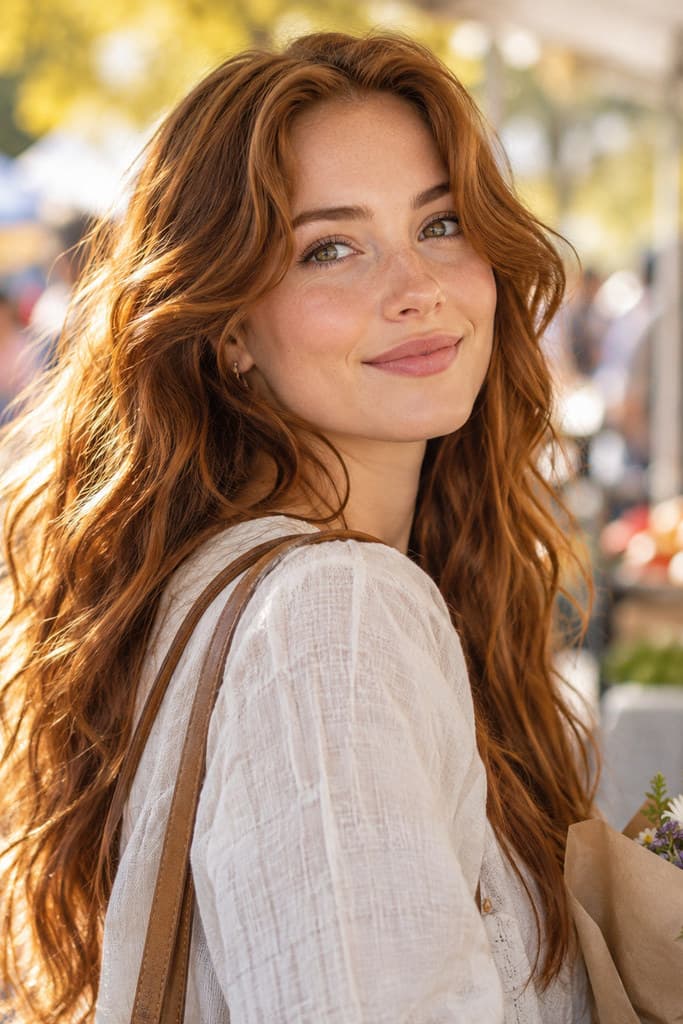
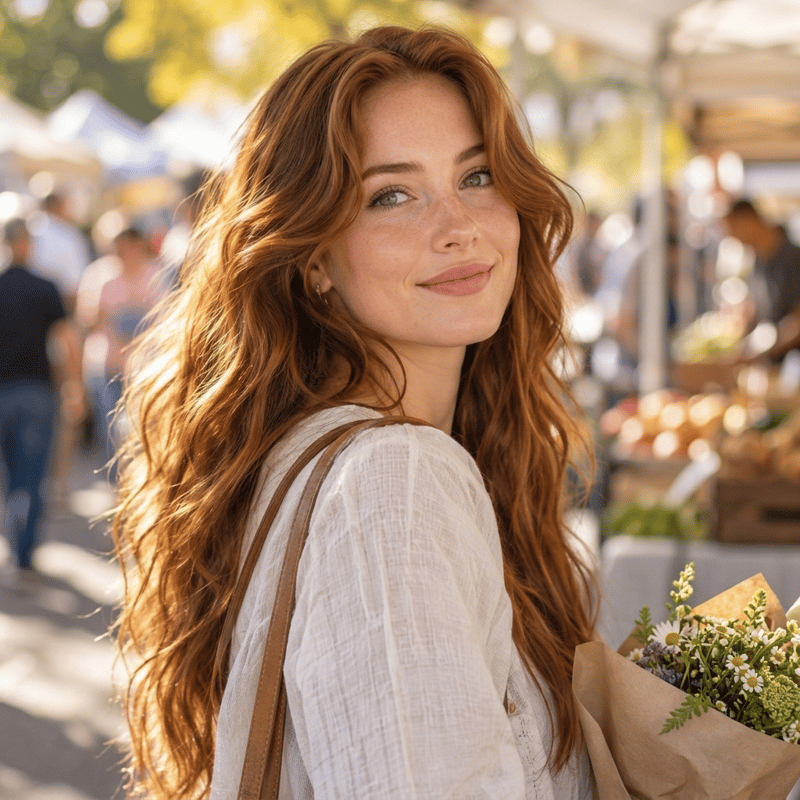
Vertical portrait expanded to square
Face, hair and light untouched — the street continues
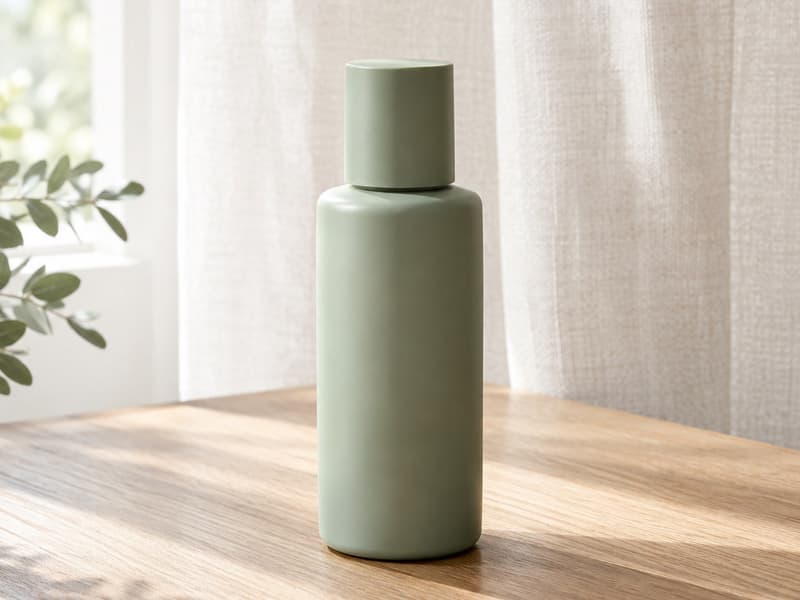
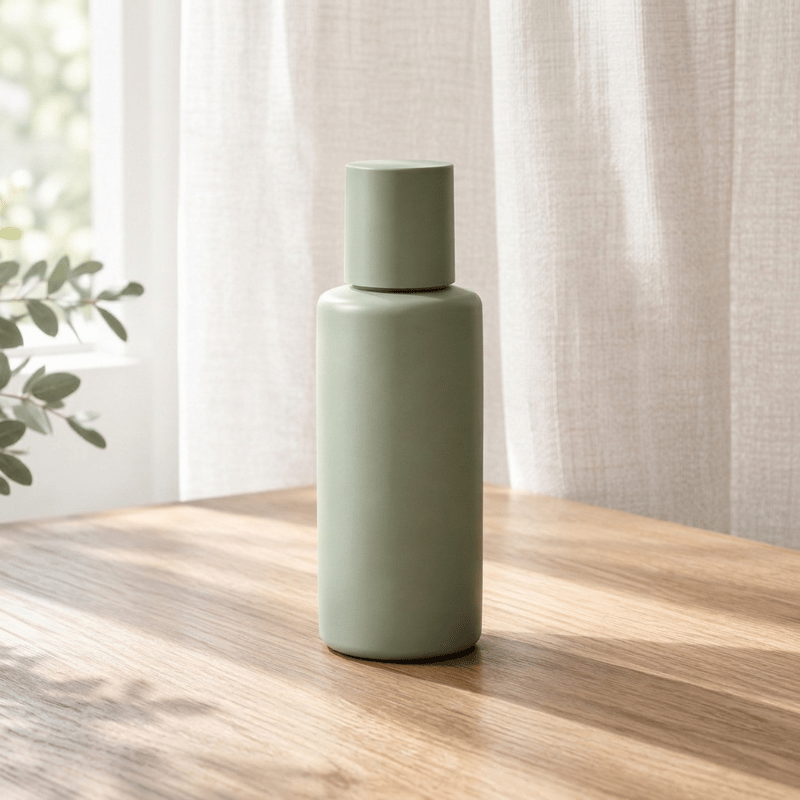
Product shot expanded to a square listing
Bottle and shadow intact, the tabletop carries on
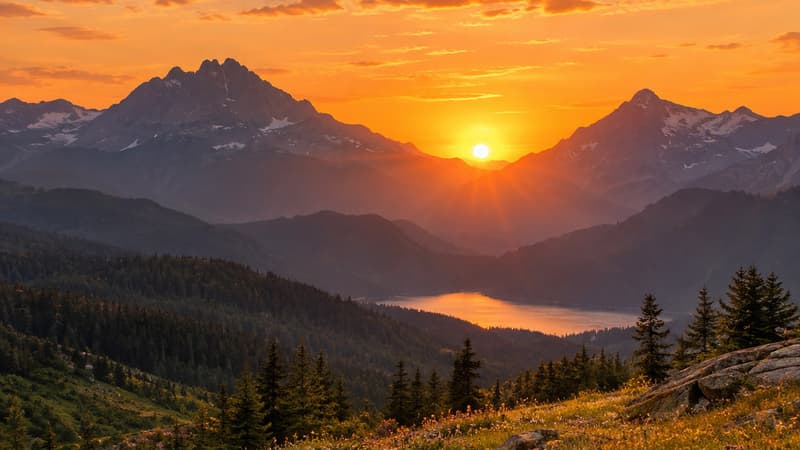
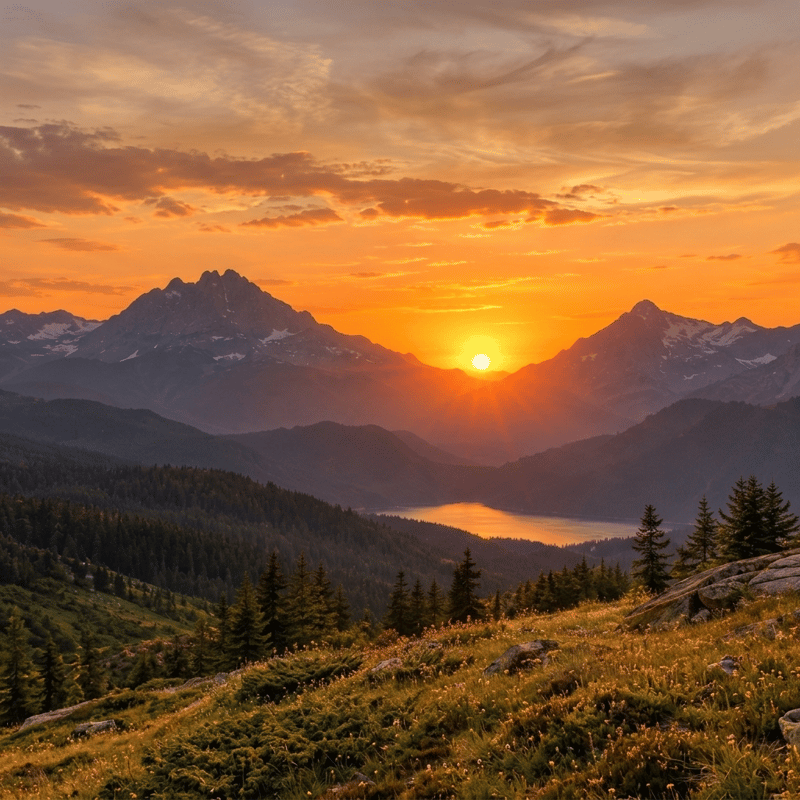
Wide sunset expanded to square
Sky and ridgeline continue without a seam
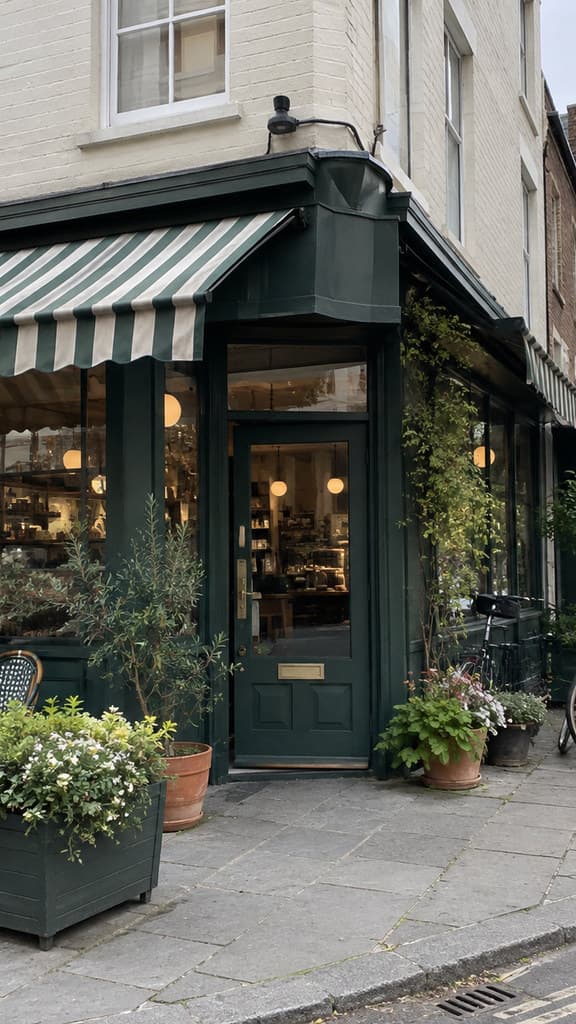
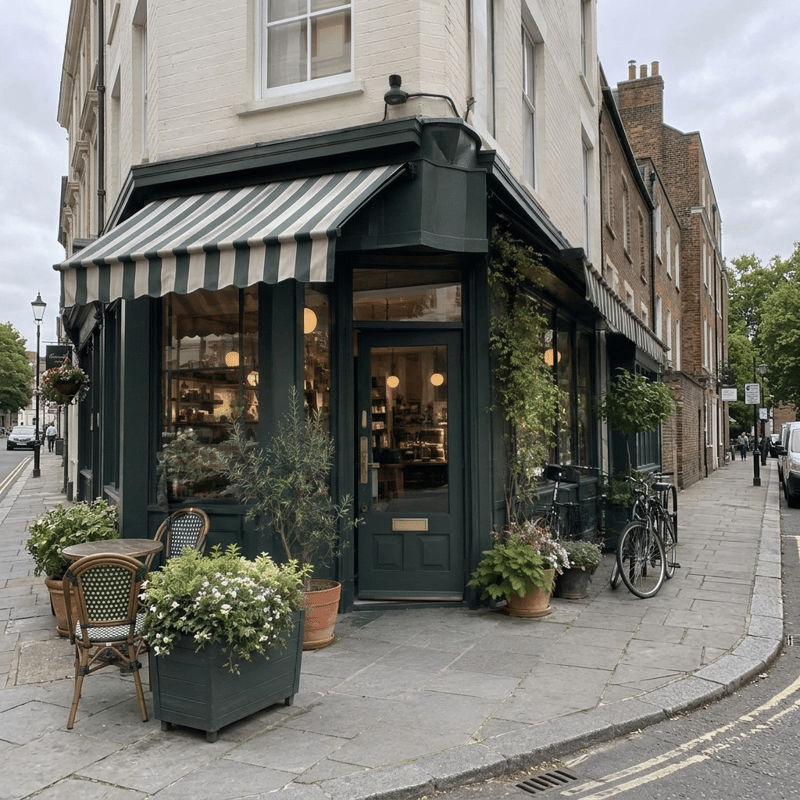
Phone-tall shot expanded to square
The street completes beyond both edges
What this uncrop tool does
It takes a photo that was framed too tight — a portrait clipped at the shoulders, a product shot that will not fit a square listing, a landscape that loses the sky — and expands it to the ratio you pick. Everything inside your frame stays in place, and the scene continues naturally beyond its edges: background, light and texture carried outward, objects cut off at the border completed. Nothing is cropped, stretched or padded with blur.
Reach for it when the picture is right and the frame is wrong: a product photo that needs the square shape of a marketplace listing, a vertical shot that should be a desktop wallpaper, a thumbnail that needs 16:9, a photo someone cropped before sending it to you. One honest note: uncropping does not recover what was originally cut away — the AI paints plausible new content beyond the border, so give the before/after slider a look before you publish. Need the result bigger? The Image Upscaler takes it to 4K.
An expanded photo usually wants to go somewhere: keep working on it in the AI Image Generator, or set the subject in a completely new scene with the AI Background Generator. If terms like aspect ratio are unfamiliar, the glossary explains each one.
Uncrop specifications
| Parameter | Value | Notes |
|---|---|---|
| Input | JPEG, PNG, WEBP · up to 15 MB | Any photo or graphic — portraits, product shots, landscapes, screenshots. .jpg and .jpeg are both fine. |
| Output | PNG · your chosen ratio · about 1K | PNG at the ratio you picked, about 1K on the long side — sized for feeds, listings, thumbnails and wallpapers. |
| Target ratio | 1:1 · 3:4 · 4:3 · 9:16 · 16:9 · 2:3 · 3:2 | Seven presets, each chip marked with what it fits — square for listings and feeds, vertical for Stories, wide for YouTube. |
| Credits | 16 credits per image · no daily cap | Charged per image when you submit — the same price to any ratio, with no daily cap. |
| Result retention | 7–365 days by plan | Results stay downloadable for the retention window of your plan, then are deleted from storage. |
| On failure | Credits refunded automatically | If an image cannot be processed, the credits for that image are returned to your balance automatically. |
How to uncrop a photo
Three steps from a tight frame to the right one
Add your photo
Drag it in, paste from the clipboard or click anywhere on the drop area. Portraits, product shots, landscapes and screenshots all work; the sharper the source, the cleaner the extension.
Pick the target ratio
Seven presets from square 1:1 to wide 16:9, each marked with what it fits — listings, feeds, Stories, YouTube. The price is shown before you run anything.
Compare and download
Every result comes back as a before/after slider, so you can inspect the new edges up close. Download the PNG, or send it on to AI Image or AI Video without leaving the site.
Uncrop — FAQ
Credits, ratios, and what happens to your original