Change the background of any photo
Upload a photo, describe the setting you want instead, and get your subject back in the new scene — edges, shadows and light blended to match. Same subject, different place.
Drop images here, or select files
JPG · PNG · WEBP · up to 15 MB each · up to 4 images
Studio, park, storefront — same subject, new setting
Every result below came straight out of the tool, with no touch-ups. Drag the handle to check the blend up close, then drop your own photo at the top of the page.
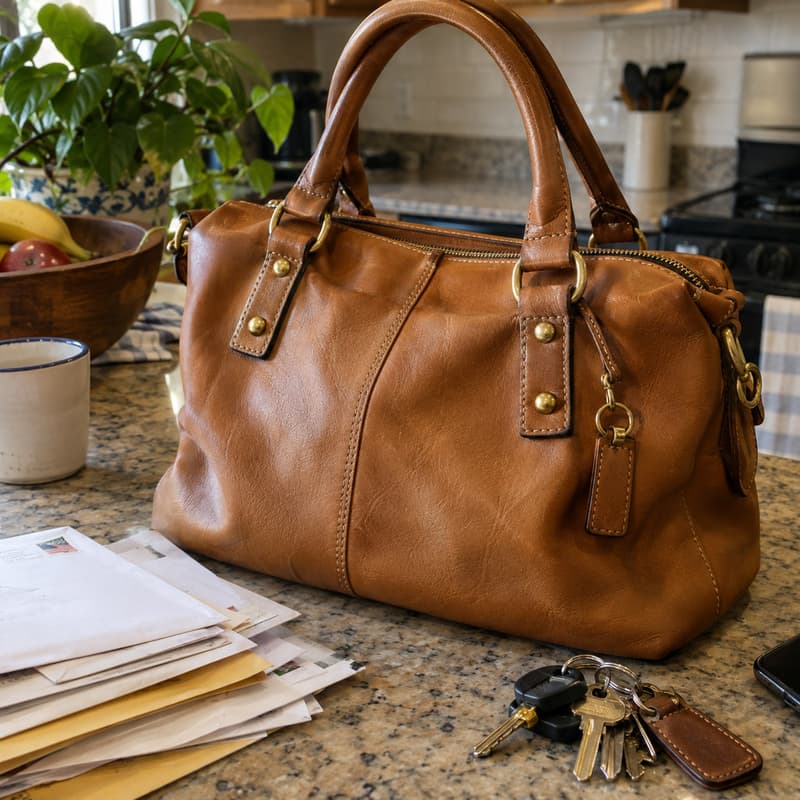
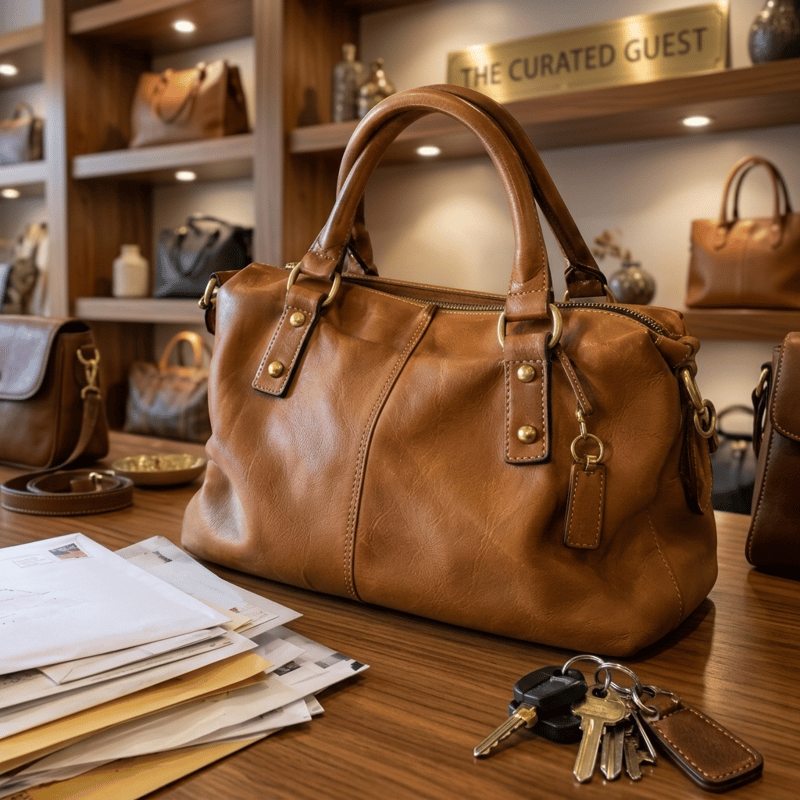
Kitchen counter → boutique shelf
Stitching and brass hardware not redrawn
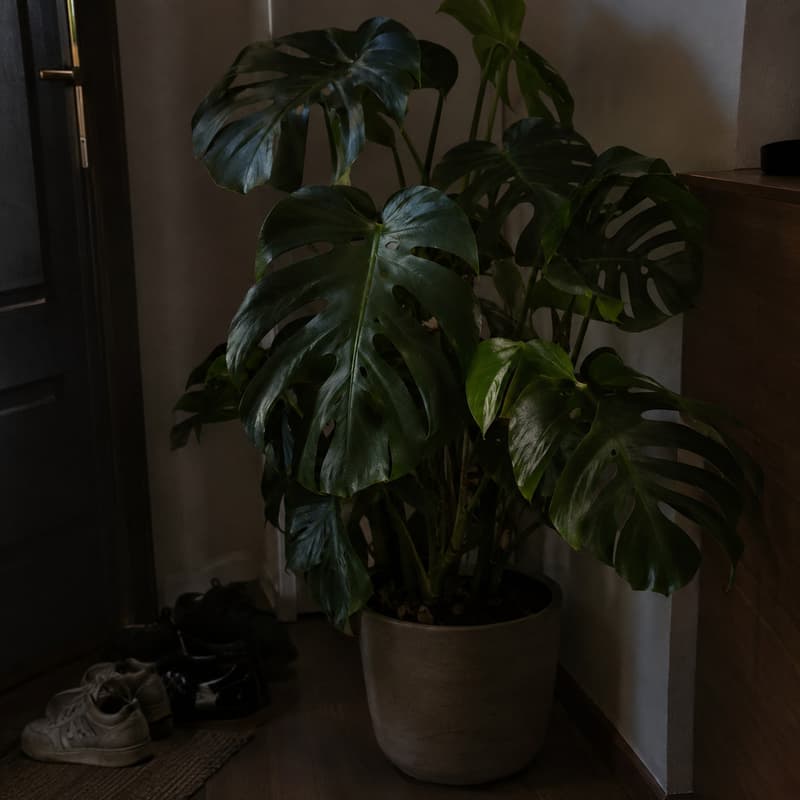
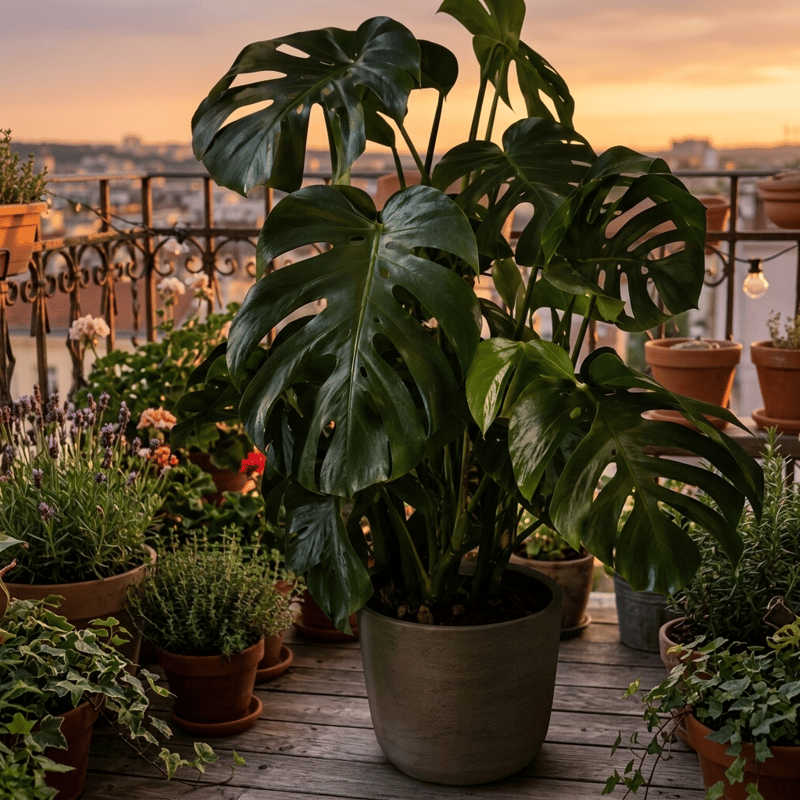
Dim hallway → sunset balcony
Split leaves keep their see-through edges
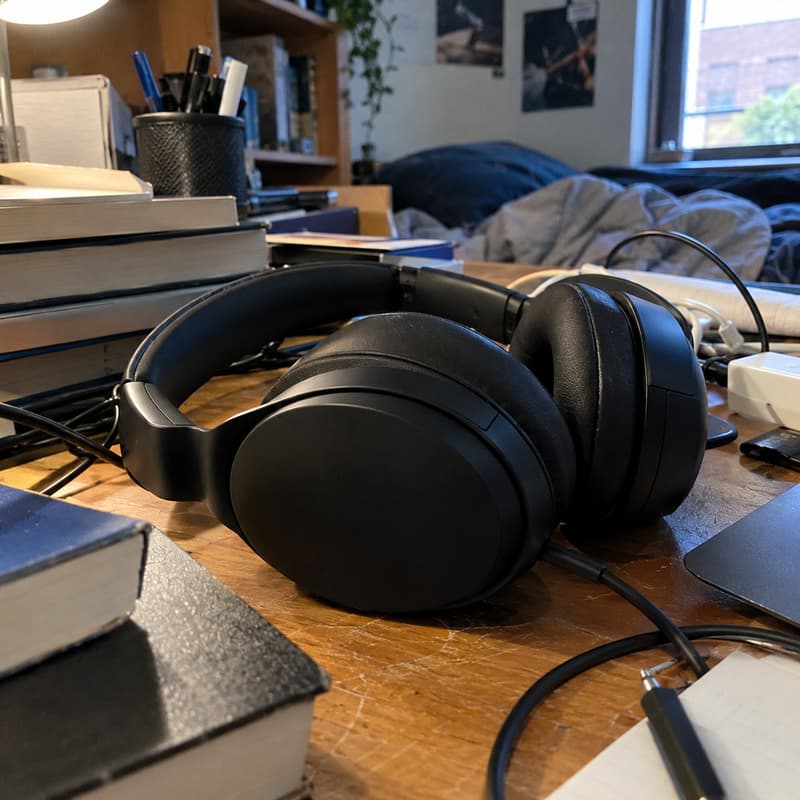
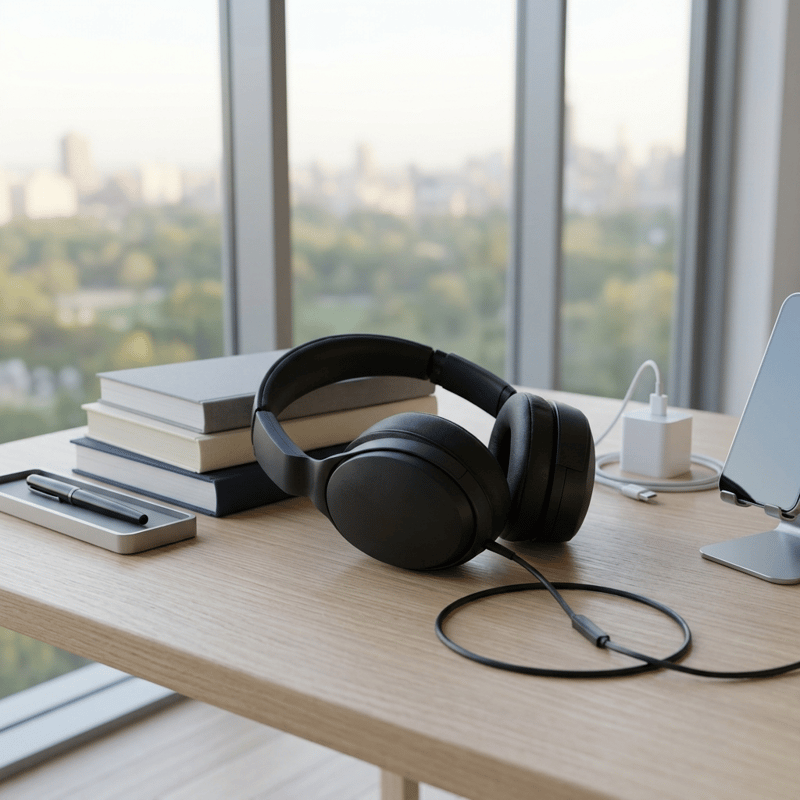
Dorm desk → minimalist window desk
Matte blacks keep their detail
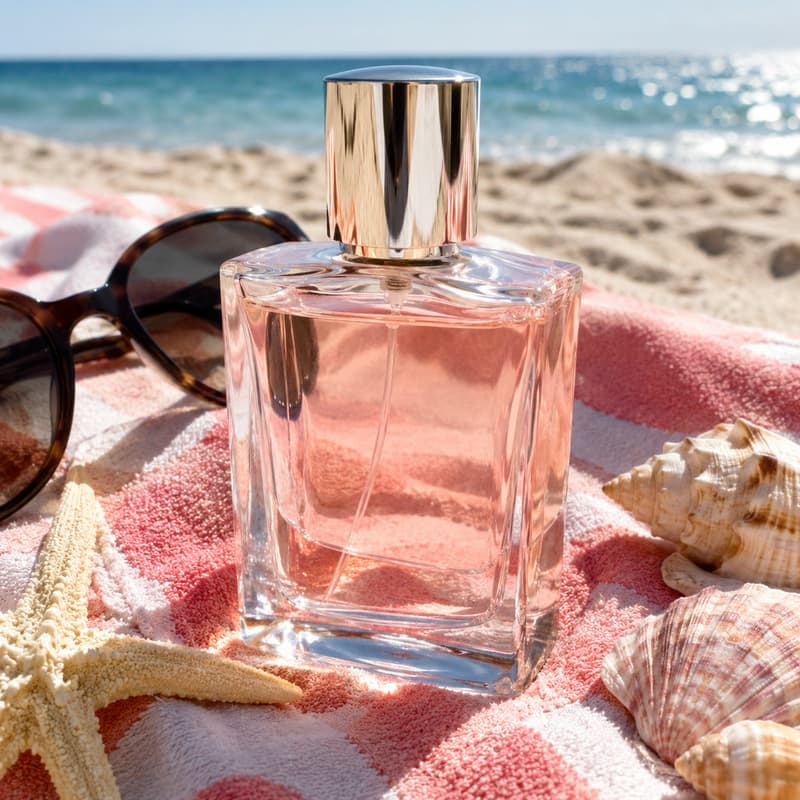
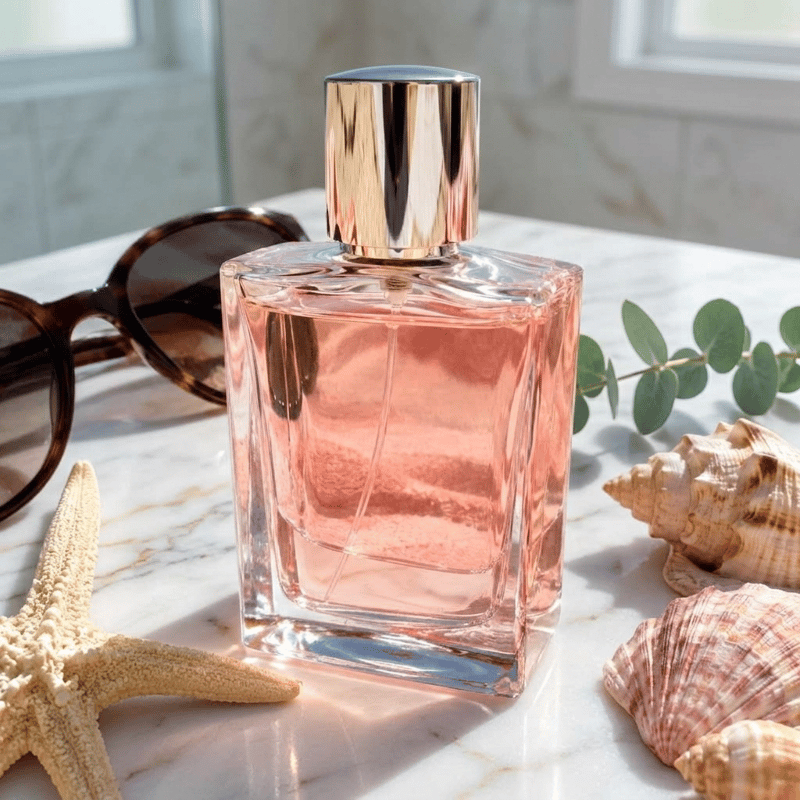
Beach towel → marble counter
The glass now shows marble through it
What this background changer does
It takes a photo and a description of a new setting, and returns the same subject in that setting. The subject is lifted out first and the replacement background is built around it — so the person, product or pet you uploaded is the one you get back, with edges, contact shadows and ambient light blended to match the new scene.
Reach for it when the photo is right but the place is wrong: a portrait taken in the kitchen that should look like a studio, a product shot that needs a seasonal setting, a team photo that belongs on-brand. Concrete descriptions work best — name the surface, the light and the mood. This page and the AI Background Generator are the same tool under two names; and if what you actually want is no background at all, the Background Remover returns a transparent PNG instead.
A changed-background photo usually wants to go somewhere: open it in the AI Image Generator to keep art-directing the scene, or use it as the opening frame of a short clip. If terms like compositing or resolution are unfamiliar, the glossary explains each one.
Background Changer specifications
| Parameter | Value | Notes |
|---|---|---|
| Input | JPEG, PNG, WEBP · up to 15 MB each | Any photo with a clear main subject. .jpg and .jpeg are both fine. |
| Output | PNG · replaced background, subject kept | PNG with the background replaced by your described scene, proportions kept. |
| Batch size | Up to 4 images per run | Images are processed in parallel; each one is billed and refunded on its own. |
| Credits | 16 credits per image · no daily cap | Charged per image when you submit, with no daily cap. |
| Result retention | 7–365 days by plan | Results stay downloadable for the retention window of your plan, then are deleted from storage. |
| On failure | Credits refunded automatically | If an image cannot be processed, the credits for that image are returned to your balance automatically. |
How to change a background
Three steps from old setting to new one
Add your images
Drag photos in, paste from the clipboard or click anywhere on the drop area — a whole batch at once, all sharing one scene description.
Describe the new setting
Name the surface, the light and the mood: "a bright studio backdrop", "an autumn park path, blurred golden leaves". The same description applies to every image in the batch.
Download the PNG
Every result comes as a before/after slider so you can check the blend up close. The photo can also go on to AI Image or AI Video without leaving the site.
Background Changer — FAQ
Credits, transparent backgrounds, prompts