Reshoot your photo from any camera angle
Drop in one photo and drag the camera: rotate around your subject, tilt from a low shot to a bird's-eye view, zoom from wide to close-up. The subject, the light and the scene stay yours — only the camera moves.
Drop an image here, or select a file
JPG · PNG · WEBP · up to 15 MB
Camera position
Same photo, new camera position — before and after
Every result below came straight out of the tool, with no touch-ups. Drag the handle to see what the new viewpoint changed, then drop your own photo at the top of the page.
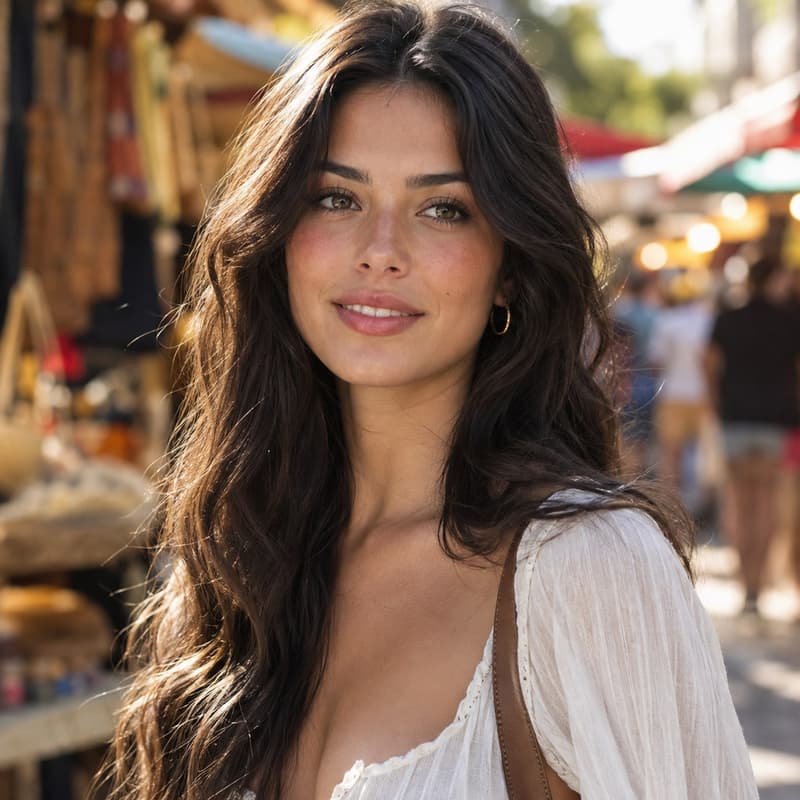
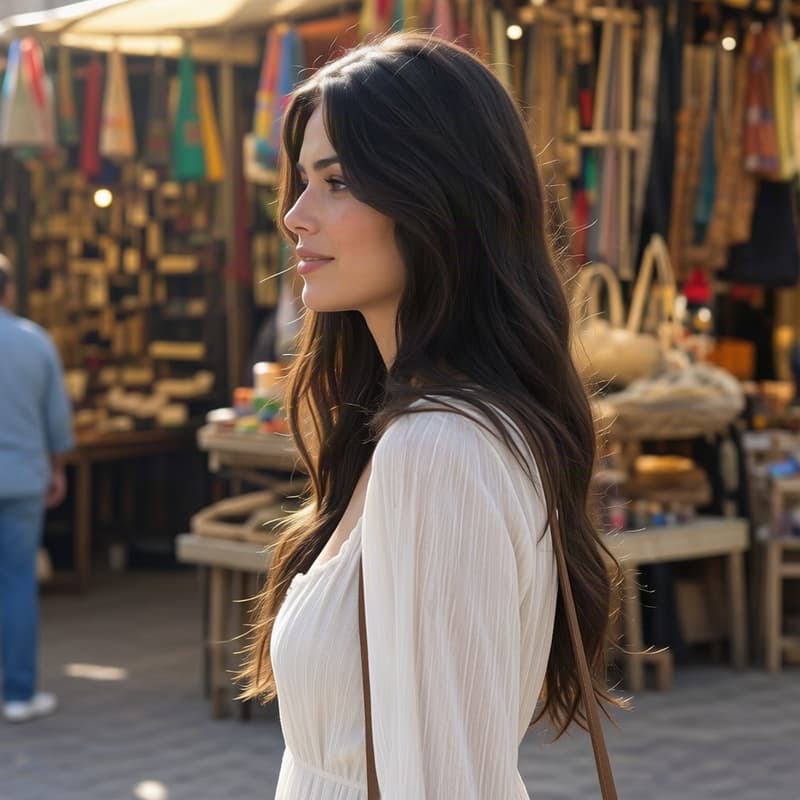
Portrait rotated to a right side view
Same face, same curls — the market street carries over
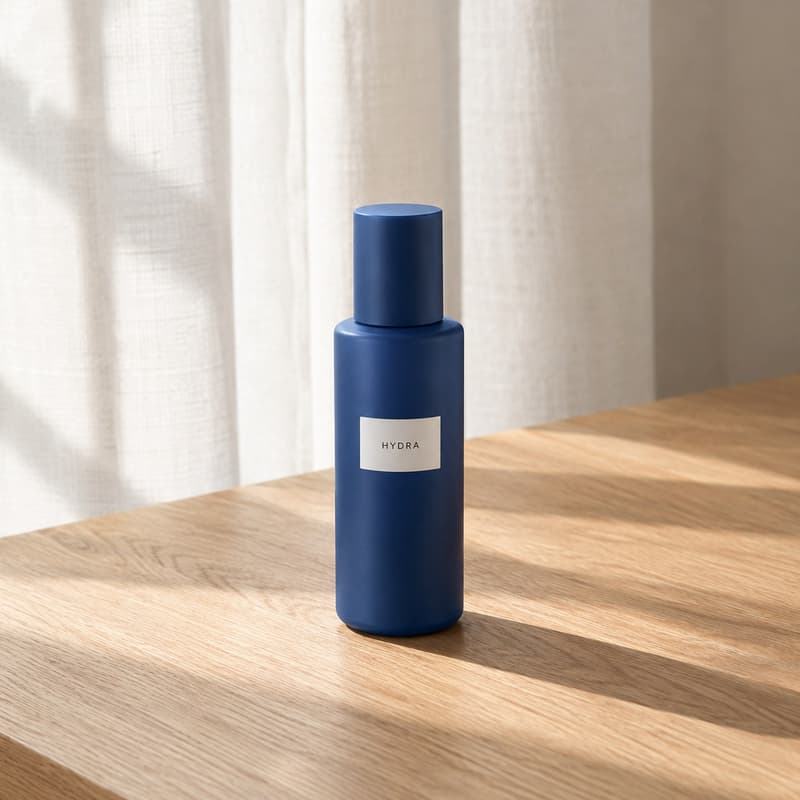
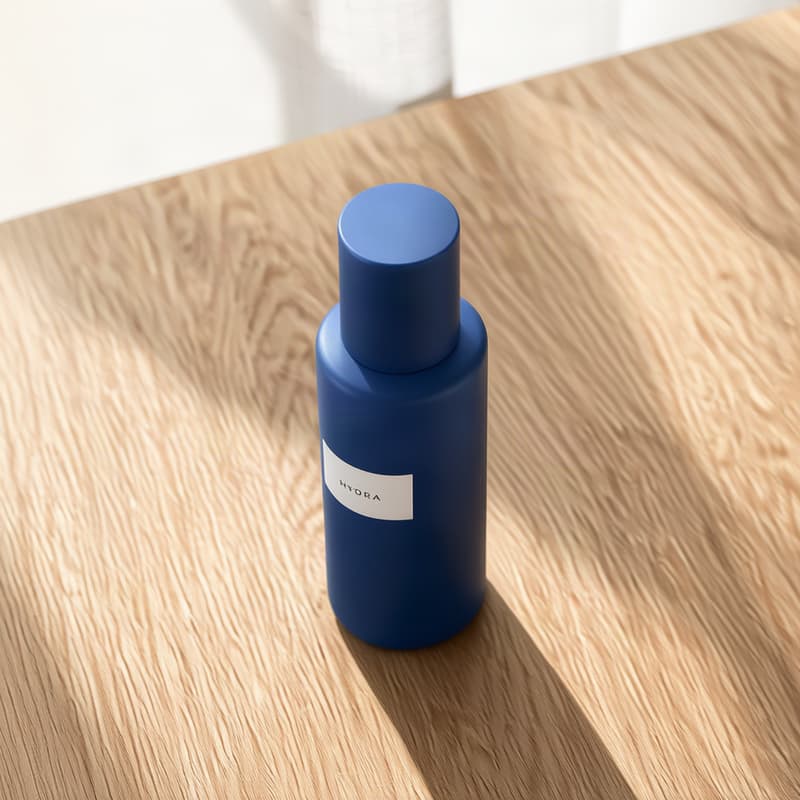
Product shot at 45° elevated and closer
45° turn, elevated, closer — three axes in one shot
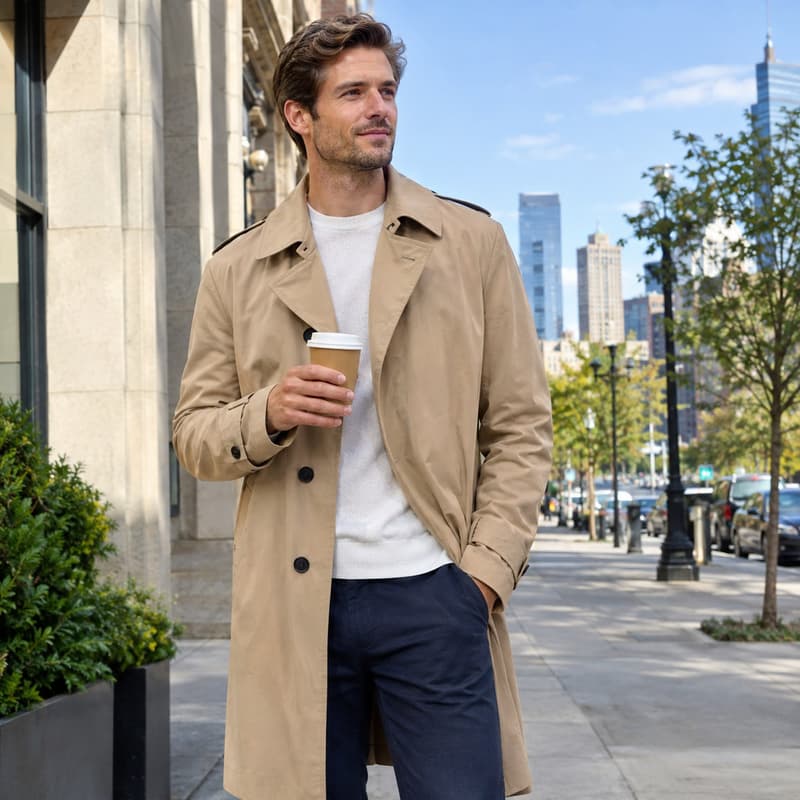
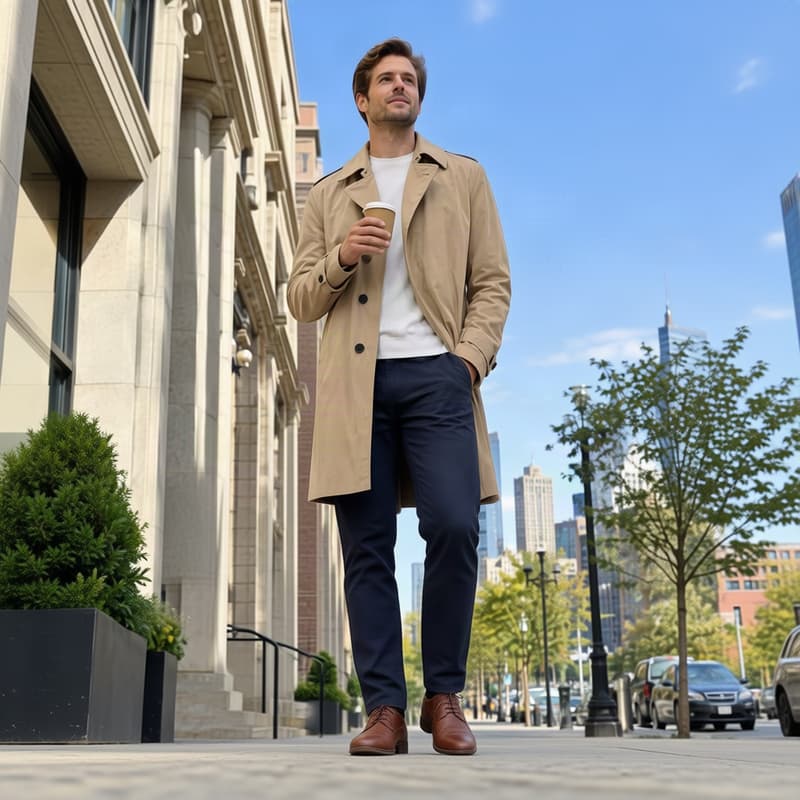
Portrait from a -30° low-angle shot
Hero framing — sky opens up behind the subject
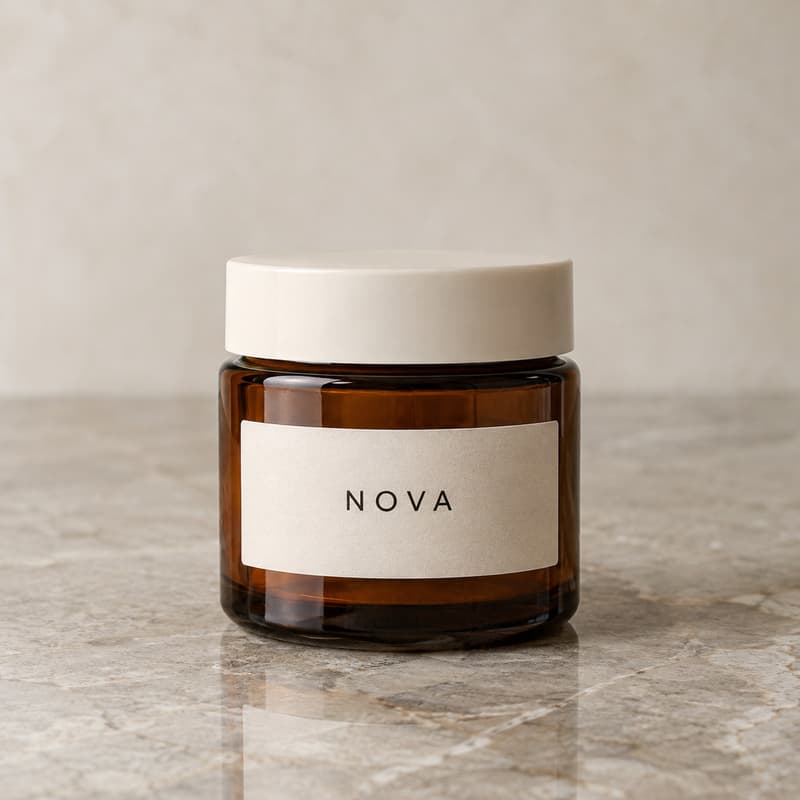
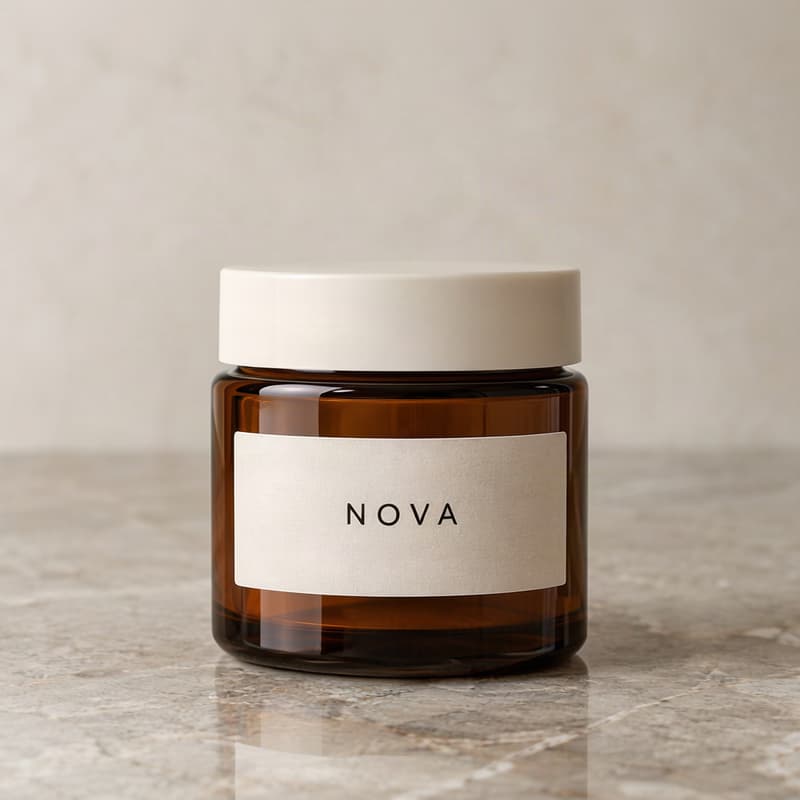
Product pulled into close-up
Packaging text stays crisp at full zoom
What this camera angle changer does
It takes a photo shot from the wrong position — a product photographed head-on when the listing needs a three-quarter view, a portrait that would work better from a low, heroic angle — and re-creates the same shot from the camera position you pick. Rotate a full 360° around the subject, tilt from a -30° low-angle shot all the way to a 90° bird's-eye view, and move closer or further with the zoom. Your subject keeps its identity: the face, the outfit, the label on the bottle all carry over; the scene is rebuilt around them from the new viewpoint.
Reach for it when reshooting is impossible or expensive: e-commerce listings that need the same product from several angles, a portrait that wants a more dramatic viewpoint, a scene you can no longer visit. One honest note: the photo is re-rendered by AI at the new camera position, not reconstructed pixel by pixel — and the most reliable landings are the 45° rotation steps (0°, 45°, 90° and so on), so check the before/after slider before you publish. Need the result bigger? The Image Upscaler takes it to 4K.
A reshot photo usually wants to go somewhere: keep working on it in the AI Image Generator, widen the frame with Uncrop, or learn what the terms mean in the glossary.
Camera angle changer specifications
| Parameter | Value | Notes |
|---|---|---|
| Input | JPEG, PNG, WEBP · up to 15 MB | Any photo with a clear subject — portraits, product shots, scenes. .jpg and .jpeg are both fine. |
| Output | PNG · same aspect as input · up to ~1 MP | PNG at the same aspect ratio as your photo, capped at about 1 megapixel — sized for listings, feeds and thumbnails. |
| Camera positions | Rotate 0–360° · Tilt -30 to 90° · Zoom 0–10 | Rotate a full circle around the subject, tilt from low-angle to bird's-eye, zoom from wide to close-up. The 45° rotation steps land most precisely. |
| Credits | 12 credits per image · no daily cap | Charged per image when you submit — the same price for any camera position, with no daily cap. |
| Result retention | 7–365 days by plan | Results stay downloadable for the retention window of your plan, then are deleted from storage. |
| On failure | Credits refunded automatically | If an image cannot be processed, the credits for that image are returned to your balance automatically. |
How to change the camera angle
Three steps from the shot you have to the angle you need
Add your photo
Drag it in, paste from the clipboard or click anywhere on the drop area. A clear subject — a person, a product, a landmark — gives the cleanest reshoot.
Drag the camera
Orbit the disc or tune the sliders: rotate around the subject, tilt low or overhead, zoom in or out. The price is shown before you run anything.
Compare and download
The result comes back as a before/after slider, so you can check the new viewpoint up close. Download the PNG, or send it on to AI Image or AI Video without leaving the site.
Camera angle changer — FAQ
Credits, camera positions, and what happens to your original
Take it further
Reshoot your first photo
Pick a camera position — AI rebuilds the shot.