Put any photo on a pure white background, free
Free to use, with no credits spent. Upload a photo and get back the same image on a clean #FFFFFF backdrop — sized for store listings, ID photos and catalog pages.
Drop images here, or select files
JPG · PNG · WEBP · up to 15 MB each · up to 10 images
Products, portraits, glass — all on pure white
Every result below came straight out of the tool, with no touch-ups. Drag the handle to see the edges up close, then drop your own image at the top of the page.

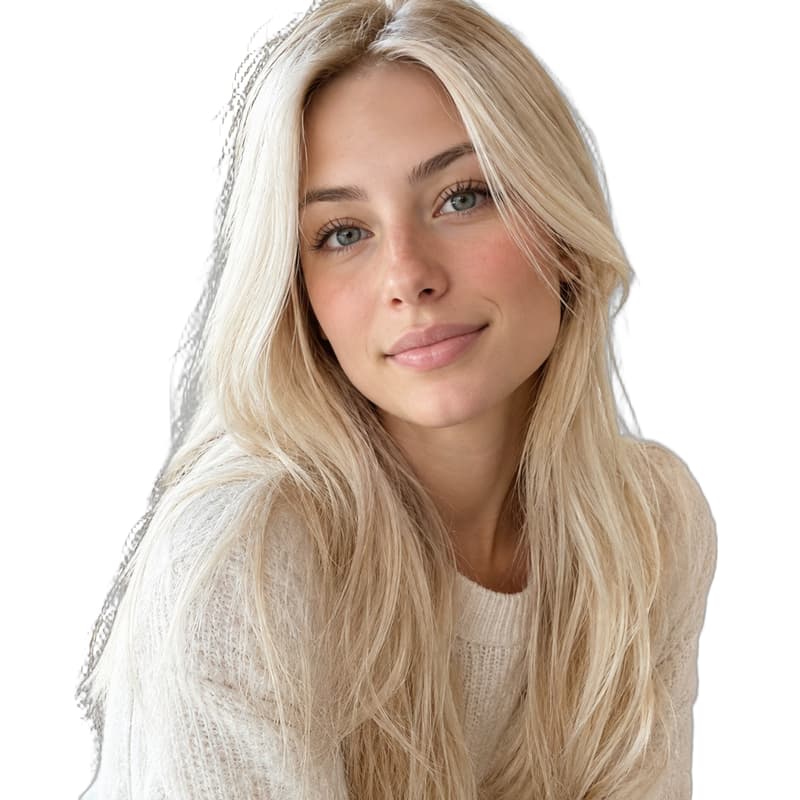
Platinum blonde portrait
Light hair stays crisp against pure white

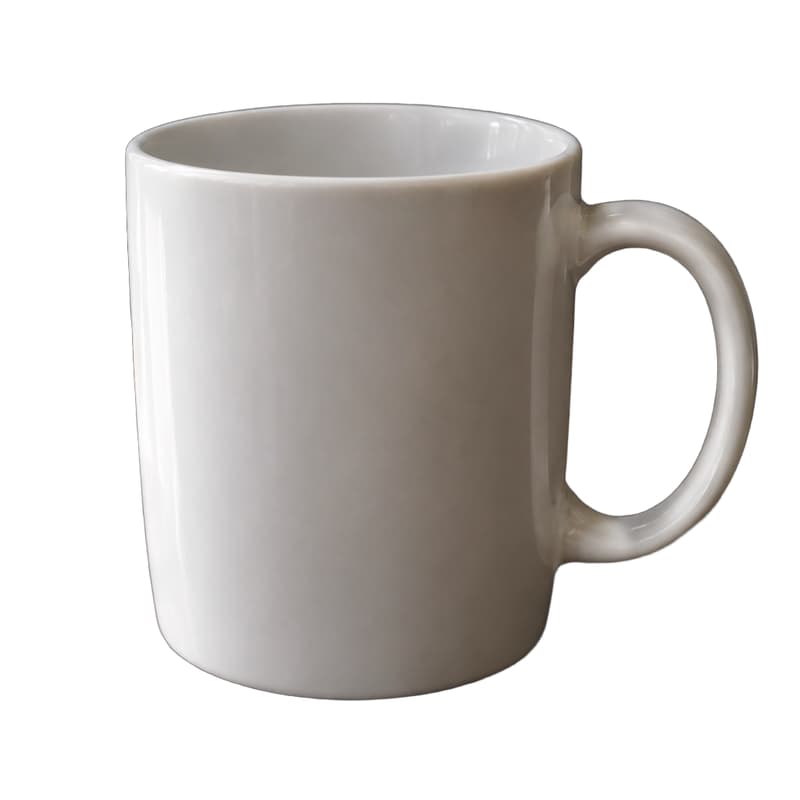
White ceramic mug
White on white — rim, shadow and handle all kept
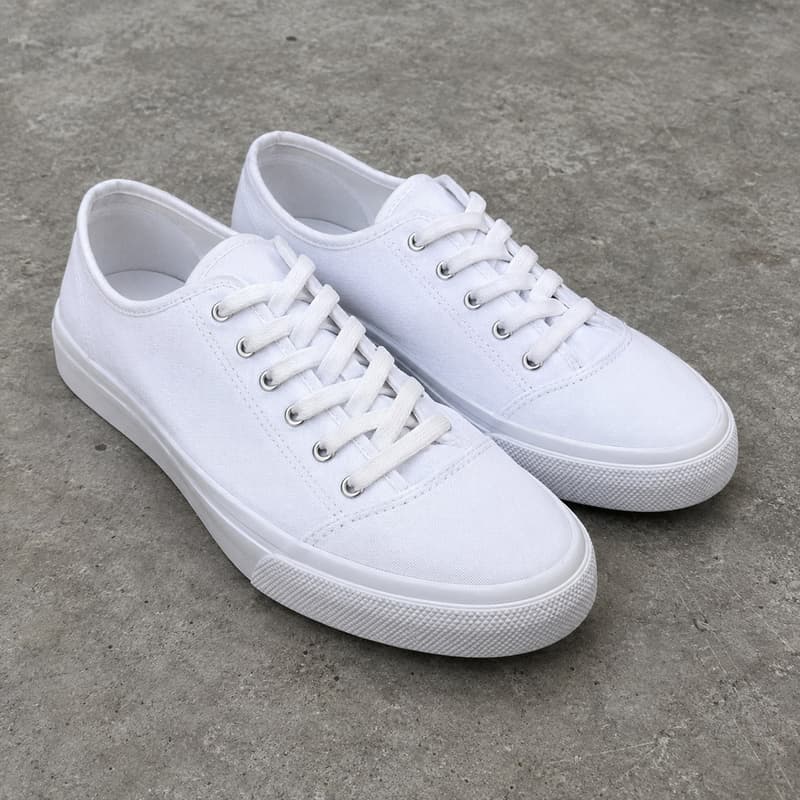
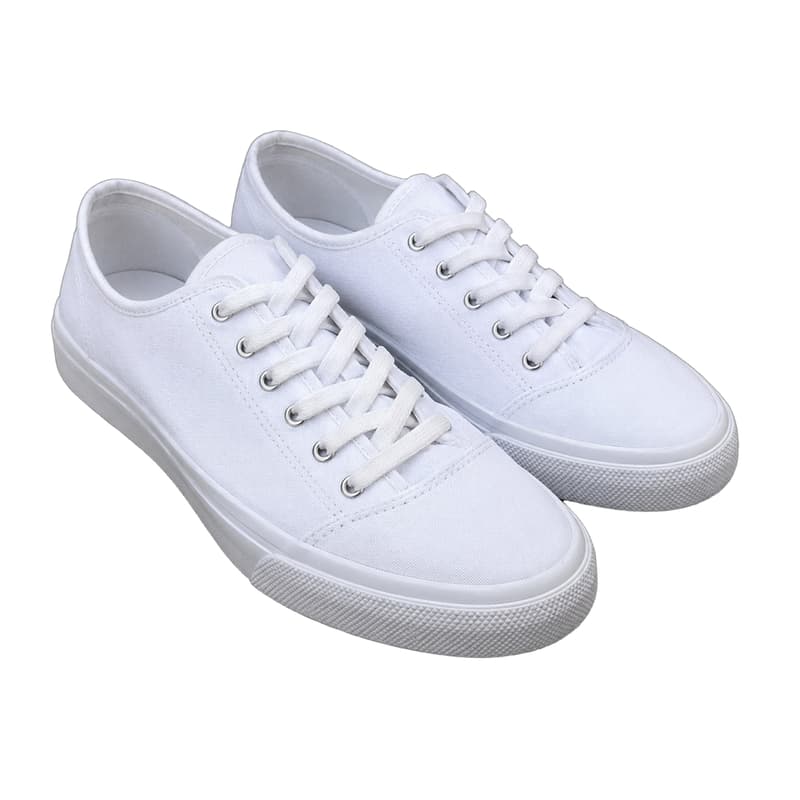
White canvas sneakers
Sole shadows lifted with the floor, edges clean
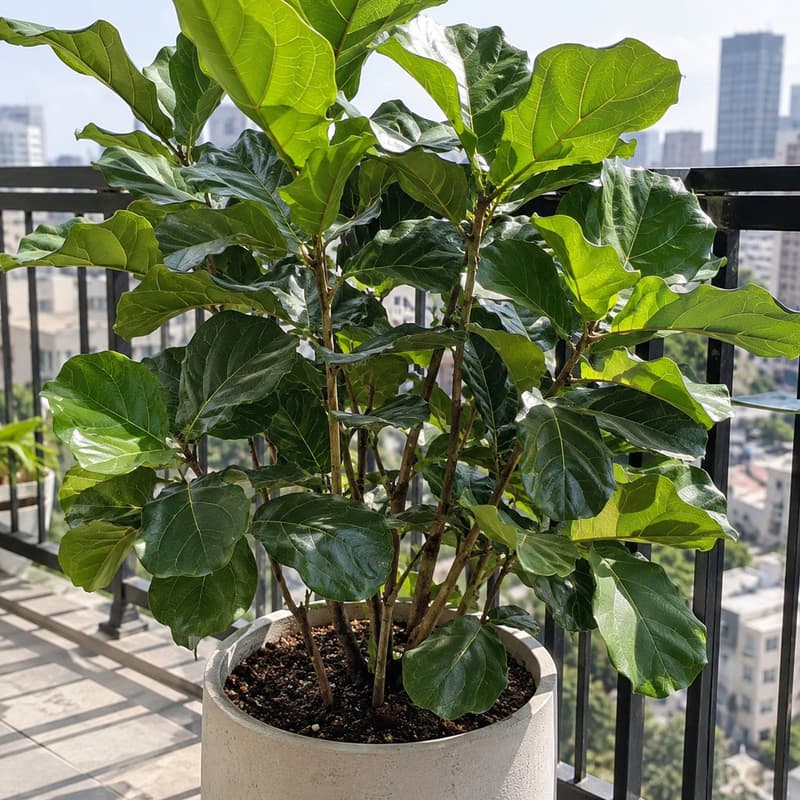
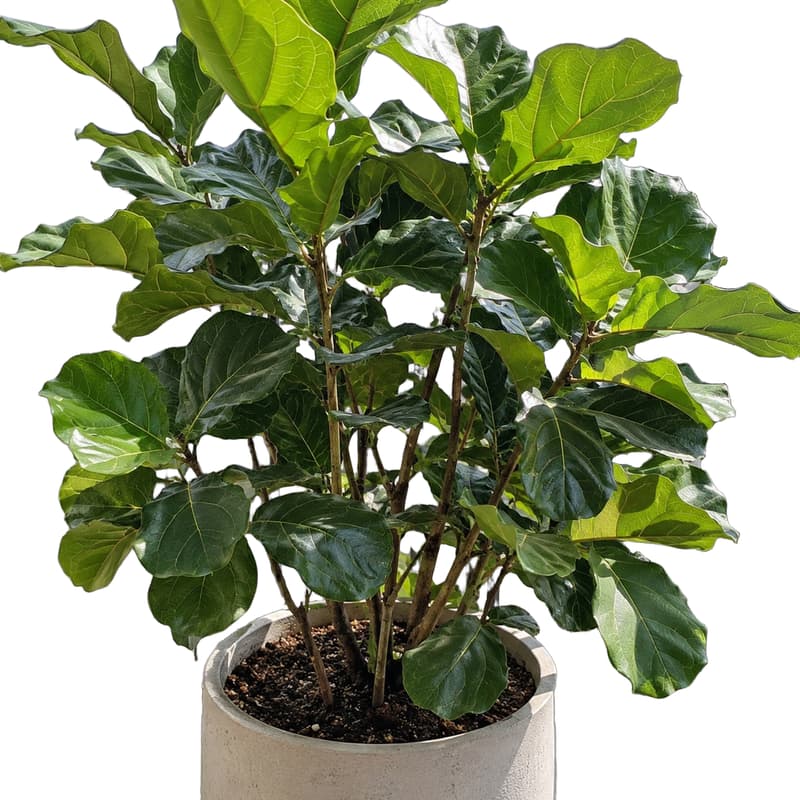
Potted fiddle-leaf plant
Leaf gaps and thin stems cut clean
What this white background tool does
It finds the main subject in a photo — a product, a person, a pet — and returns the same image with everything behind it replaced by pure white (#FFFFFF). The cutout keeps the original resolution: nothing is resized or cropped, so the result drops straight into a store listing or a catalog template.
It is free to use, and what comes back is a full-resolution white-background PNG that you can use commercially. Reach for it when a marketplace asks for a white backdrop, when a whole catalog needs one consistent look, or when an ID photo needs a clean background. If you want the subject on a transparent background instead — for compositing into your own scene — the Background Remover returns a transparent PNG of the same cutout.
A white-background photo usually wants to go somewhere: open it in the AI Image Generator to build a scene around the product, or use it as the first frame of a short product clip. If terms like alpha channel or resolution are unfamiliar, the glossary explains each one.
White Background specifications
| Parameter | Value | Notes |
|---|---|---|
| Input | JPEG, PNG, WEBP · up to 15 MB each | Standard photo formats — .jpg and .jpeg are both fine. |
| Output | PNG on pure white (#FFFFFF) · original resolution | PNG on pure white (#FFFFFF) at the input's pixel dimensions — no downscaling. |
| Batch size | Up to 10 images per run | Images are processed in parallel; each one is billed and refunded on its own. |
| Free tier | 0 credits · 10 images per day · unlimited with a membership | Counted per account over a rolling day. Upgrade to a membership — any subscription or credit pack — and the cap goes away. |
| Pro tier | 2 credits per image · no daily cap | Higher-precision cutting for the hard parts — hair, fur and cluttered backgrounds hold together better — with no daily cap. |
| Result retention | 7–365 days by plan | Results stay downloadable for the retention window of your plan, then are deleted from storage. |
| On failure | Credits refunded automatically | If an image cannot be processed, the credits for that image are returned to your balance automatically. |
How to get a white background
Three steps from photo to listing-ready PNG
Add your images
Drag photos in, paste from the clipboard or click anywhere on the drop area to pick files — a whole batch at once.
Pick Free or Pro
Free costs nothing and handles clean, well-lit subjects. Pro cuts with more precision on hair, fur and busy backgrounds before the white goes in.
Download the PNG
Every result comes as a before/after slider. The photo can also go on to AI Image or AI Video without leaving the site.
White Background — FAQ
Free use, pure white, file types