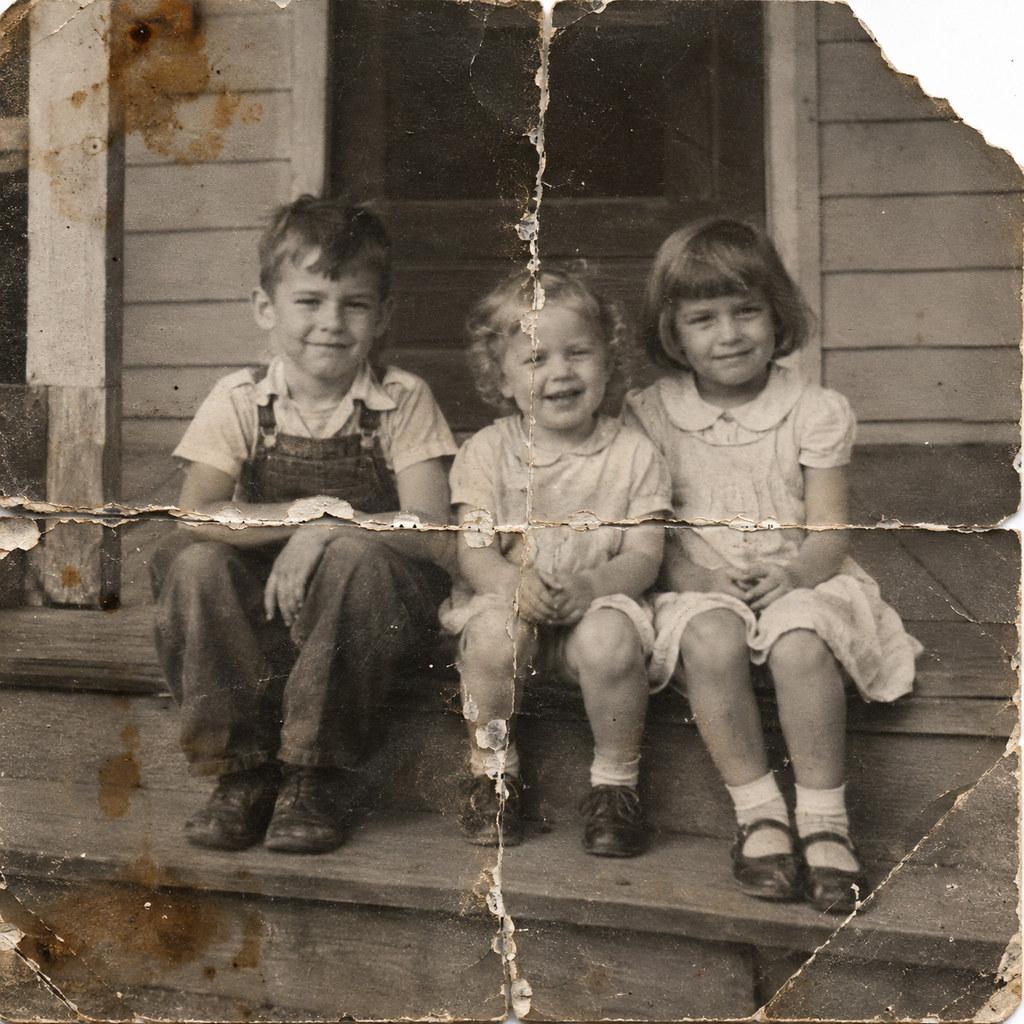
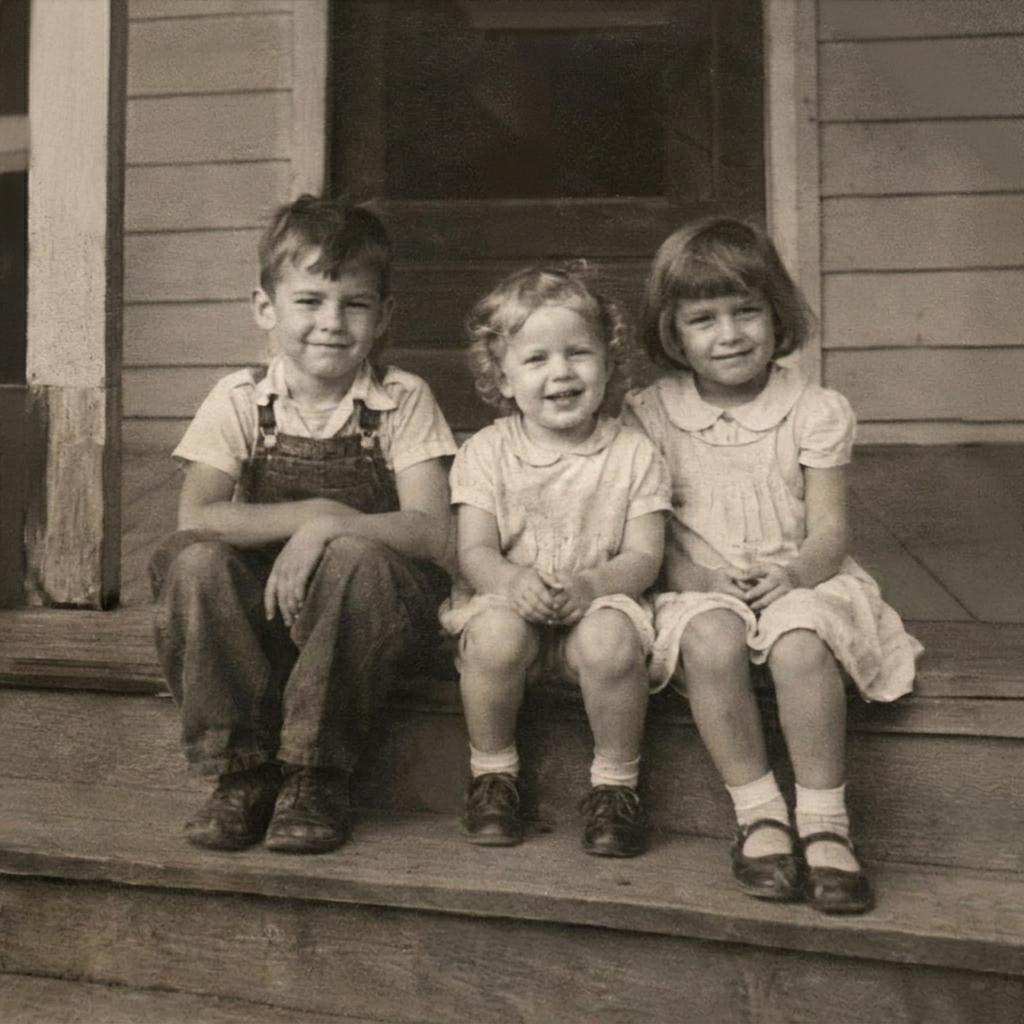
Photo restoration is the repair of a damaged or aged photograph: scratches, dust, the crease where a print was folded into a wallet, a stain in one corner, dye that has drifted orange over forty years, the grain of cheap film. The restored copy is the same photograph — same framing, same people, same expressions — with the damage taken out and the detail it was hiding brought back. Colourization is a separate, optional step: a black-and-white print stays black and white unless colour is asked for.
How it works
Two jobs run together. The first is inpainting: the model treats scratched, torn or faded areas as missing and fills them from the surrounding pixels and from what it has learned about how skin, fabric, sky and paper behave, so a fold cutting across a cheek is rewritten as a cheek. The second is identity preservation — a model that rebuilds a face freely is a face generator, not a restorer, so one built for this work is held to the age, features, expression and pose it was given. Colourization, when it is asked for, predicts plausible period colour from brightness and from what each object is: skin, hair, foliage, a uniform, a brick wall.
What it's best at
- Family prints — the shoebox and album photographs with folds, fingerprints and sticky-page damage.
- Faded colour photographs — sixties and seventies prints whose dyes have shifted towards orange or magenta.
- Black-and-white portraits — recovering facial detail lost to film grain, with colour added only if you want it.
- Archival scans — documents and historical images that need the paper damage gone before they are published or printed.
What a good input includes
Scan the print rather than photograph it where you can: a flatbed scan at the highest resolution it offers gives even light and no glare, while a phone picture of a framed photo brings reflections and a keystoned shape with it. Get the whole print in frame, border included, and leave cropping for later. Restoration repairs damage, not resolution — a tiny, soft scan comes back clean but still small, so pair it with image upscaling when the goal is a print. And scan the best surviving copy, not a copy of a copy.