The free remove.bg alternative that gives you the full-size file
Free to use, with no credits spent to unlock the full resolution. Upload a photo and get back a transparent PNG at the exact pixel size you sent in — today, and after 1 December.
Drop images here, or select files
JPG · PNG · WEBP · up to 15 MB each · up to 10 images
Hair, glass, soft shadows — all cut clean
Every result below came straight out of the tool, with no touch-ups, at the full size of the original — which is what you download on Free. Drag the handle to check the edges, then drop your own image at the top of the page.
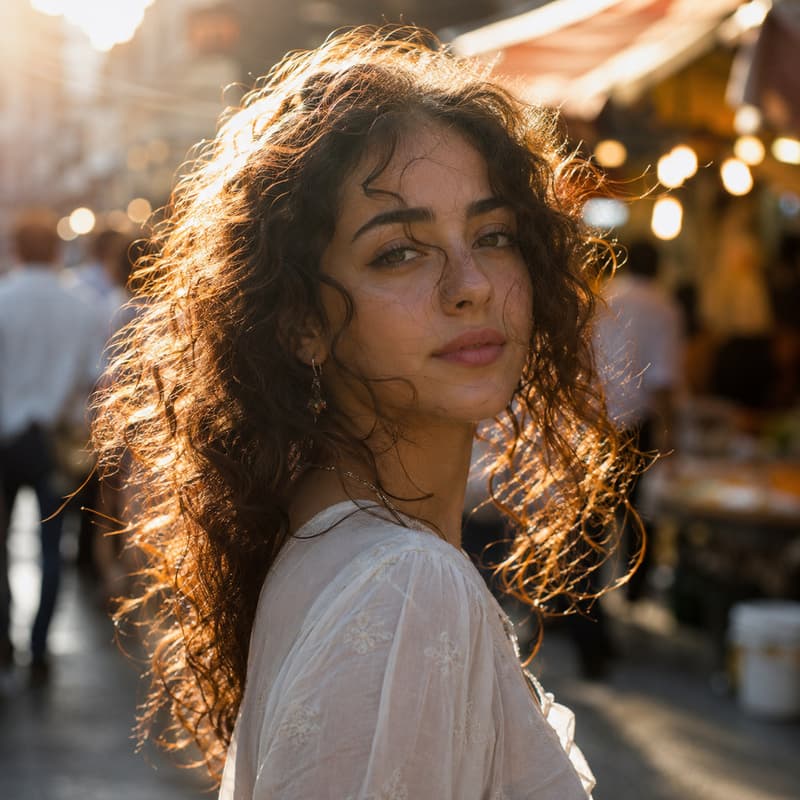

Portrait with loose hair
Every loose strand kept, background gone
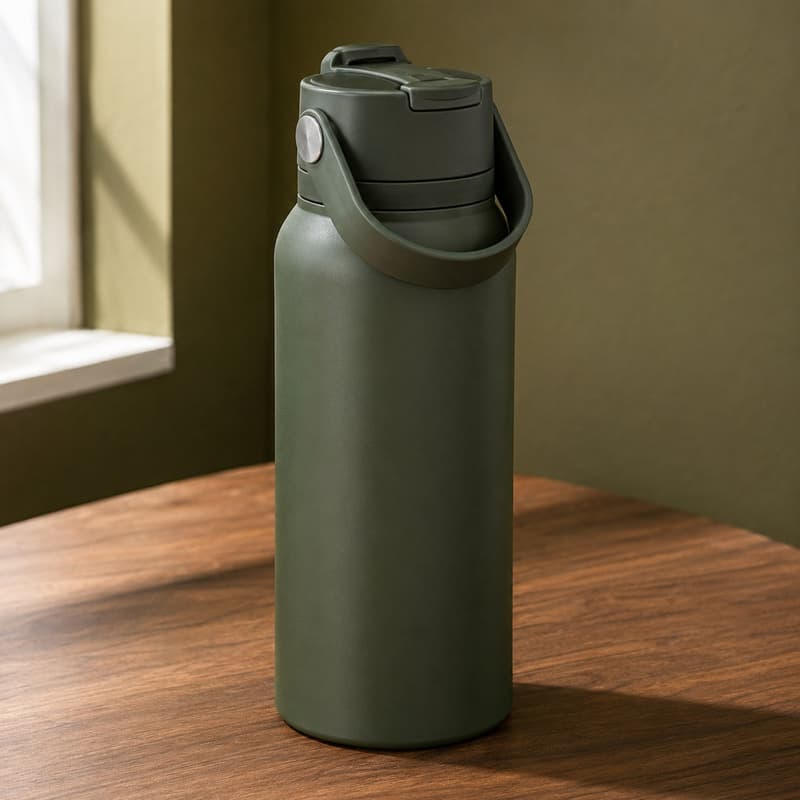
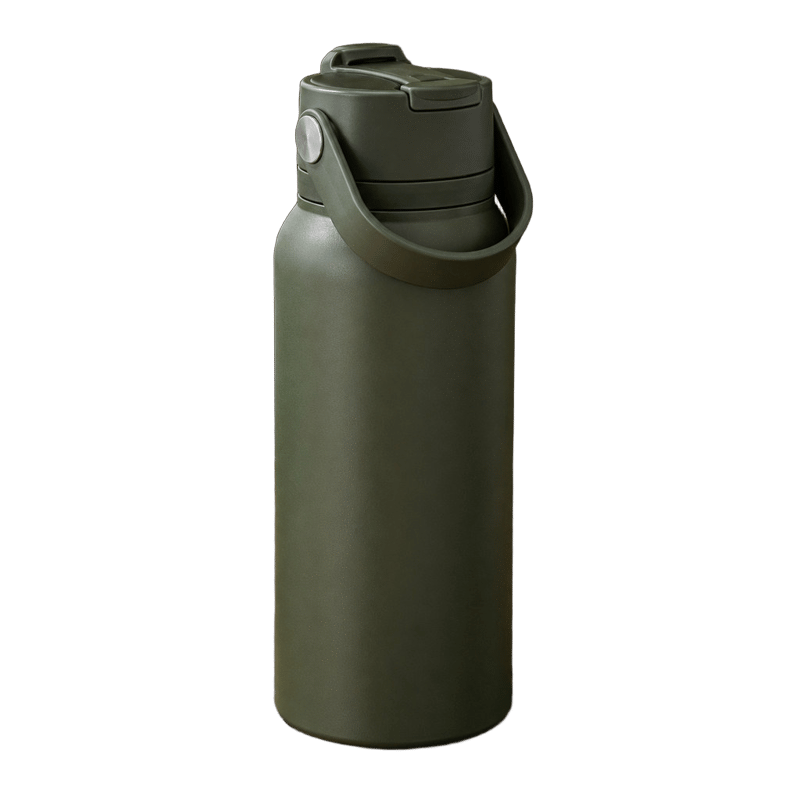
Product on a table
Crisp edges, and the shadow leaves with the background
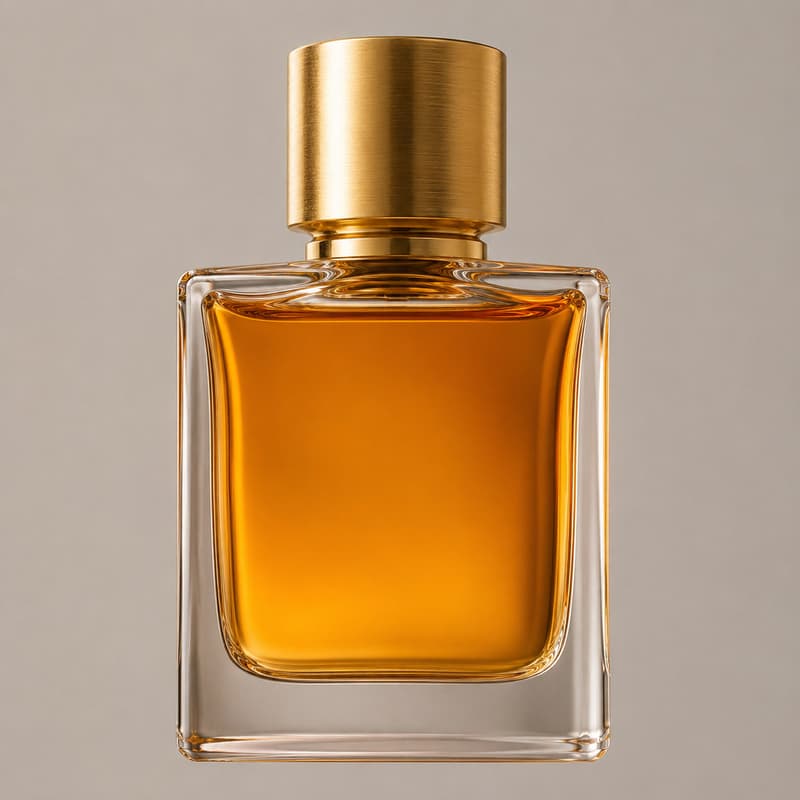
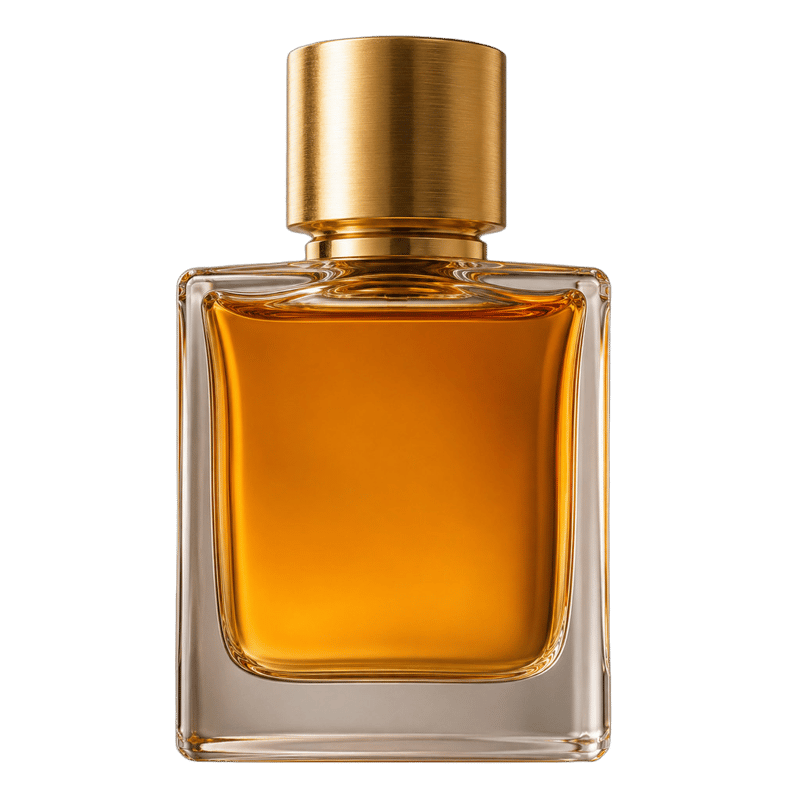
Glass bottle
Transparent glass keeps its highlights and depth
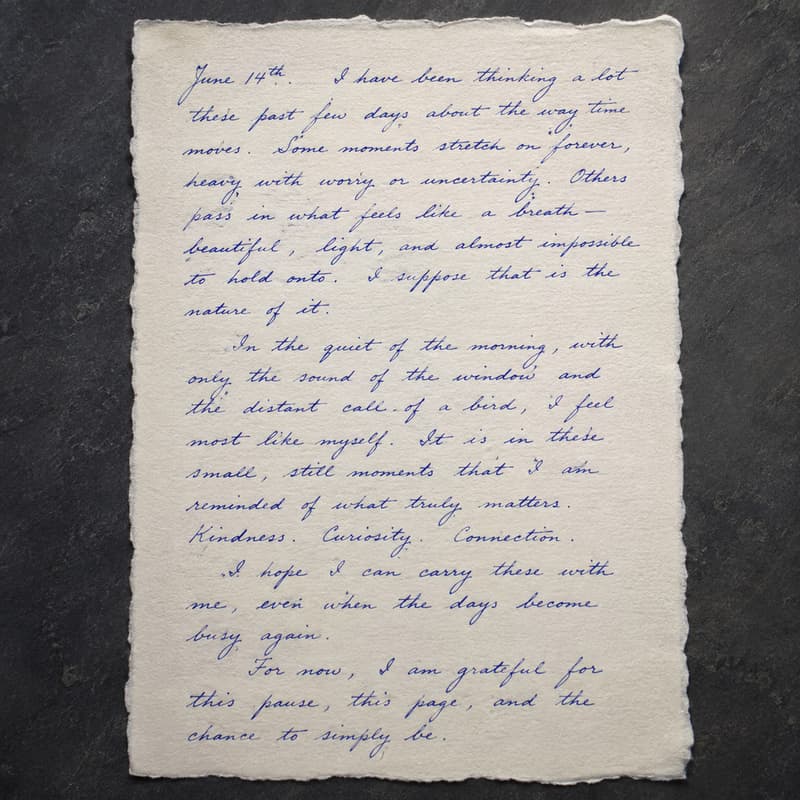
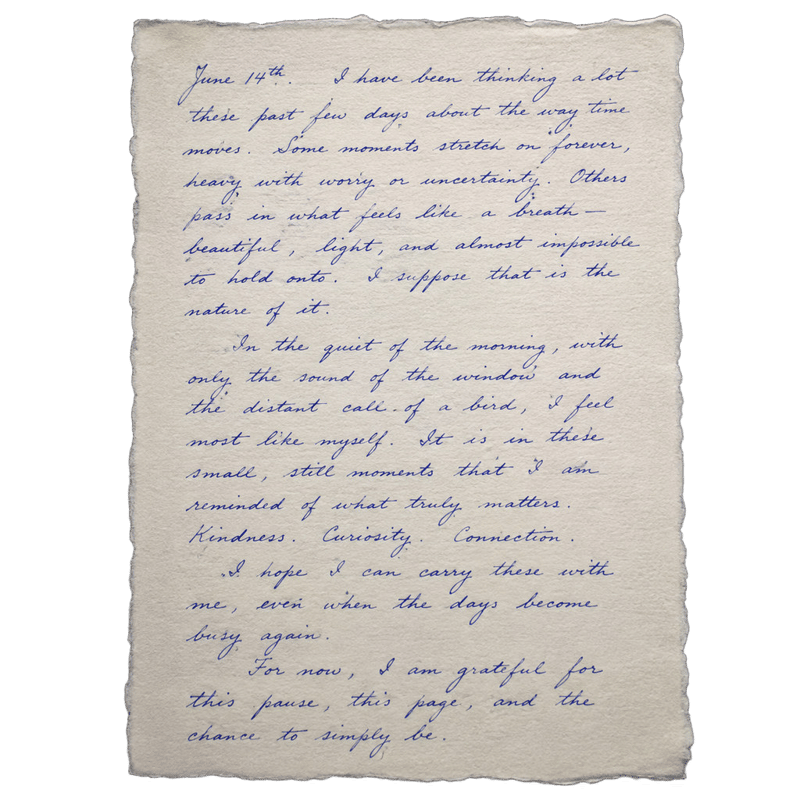
Handwritten note
Thin ink strokes and the torn paper edge stay intact
Switching from remove.bg? Here is what changes
remove.bg is closing its website on 1 December 2026 and moving into Canva, and unused credits expire the same day. If you came here looking for the same job done the same way, this is it: drop in a photo, get a PNG with a real alpha channel back at the original resolution. There is no preview-sized download and no credit to spend on the full-size file — the full size is what Free gives you.
The free tier is a working tool, not a teaser. It costs nothing and spends no credits, and what comes back is a full-resolution cutout you can use commercially — product photos for a listing, a portrait for a profile, a sticker, a logo. Upgrade to a membership, any subscription or credit pack, and it becomes unlimited. When a photo is genuinely hard, fine hair against a busy background or fur that blends into the backdrop, Pro cuts with more precision. It is the same engine as our Background Remover; this page is the front door for people arriving from remove.bg, and the switch is written up step by step if you want the long version.
What you could not do on remove.bg starts here. A cutout is rarely the last step: open it in the AI Image Generator as a reference and describe a new scene around the subject, use it as the opening frame of a short clip in AI Video, or run it through the image upscaler when the original was small. One account, one balance, one workspace — there is no second product to move into. If alpha channel or matting are unfamiliar words, the glossary explains each one.
Need to change something inside a photo you already have? The AI image editor edits the image itself — swap a background, remove an object, or restyle it.
What you get, at a glance
| Parameter | Value | Notes |
|---|---|---|
| Input | JPEG, PNG, WEBP · up to 15 MB each | The same files you were uploading before — phone photos, product shots, screenshots, scans. .jpg and .jpeg are both fine. |
| Output | PNG with alpha · full original resolution | Transparent PNG at the input's pixel dimensions on every tier, Free included — no preview size, no separate paid download for the large file. |
| Batch size | Up to 10 images per run | Images are processed in parallel; each one is billed and refunded on its own. |
| Free tier | 0 credits · 10 images per day · unlimited with a membership | Counted per account over a rolling day. Upgrade to a membership — any subscription or credit pack — and the cap goes away. |
| Pro tier | 2 credits per image · no daily cap | Higher-precision processing for the hard parts — fine hair, fur, low-contrast edges and cluttered backgrounds hold together better — with no daily cap. |
| Result retention | 7–365 days by plan | Results stay downloadable for the retention window of your plan, then are deleted from storage. |
| On failure | Credits refunded automatically | If an image cannot be processed, the credits for that image are returned to your balance automatically. |
How to switch from remove.bg
Three steps, nothing to migrate
Drop your images in
Drag photos in, paste a screenshot from the clipboard or click anywhere on the drop area to pick files — a whole batch at once, exactly as you did before.
Pick Free or Pro
Free costs nothing and handles clean, well-lit subjects, which is most photos. Pro cuts with more precision on fine hair, fur and busy backgrounds.
Download the full-size PNG
Every result comes as a before/after slider over a checkerboard, so you can check the edges. The file you download is the full resolution — on Free too — and it can go straight on to AI Image or AI Video without leaving the site.
Moving from remove.bg — FAQ
Free use, resolution, and what happens after 1 December